This blog explains what an AI call assistant is, how it handles business calls, what tasks it can and cannot manage, how to set it up, and which businesses can benefit from it.
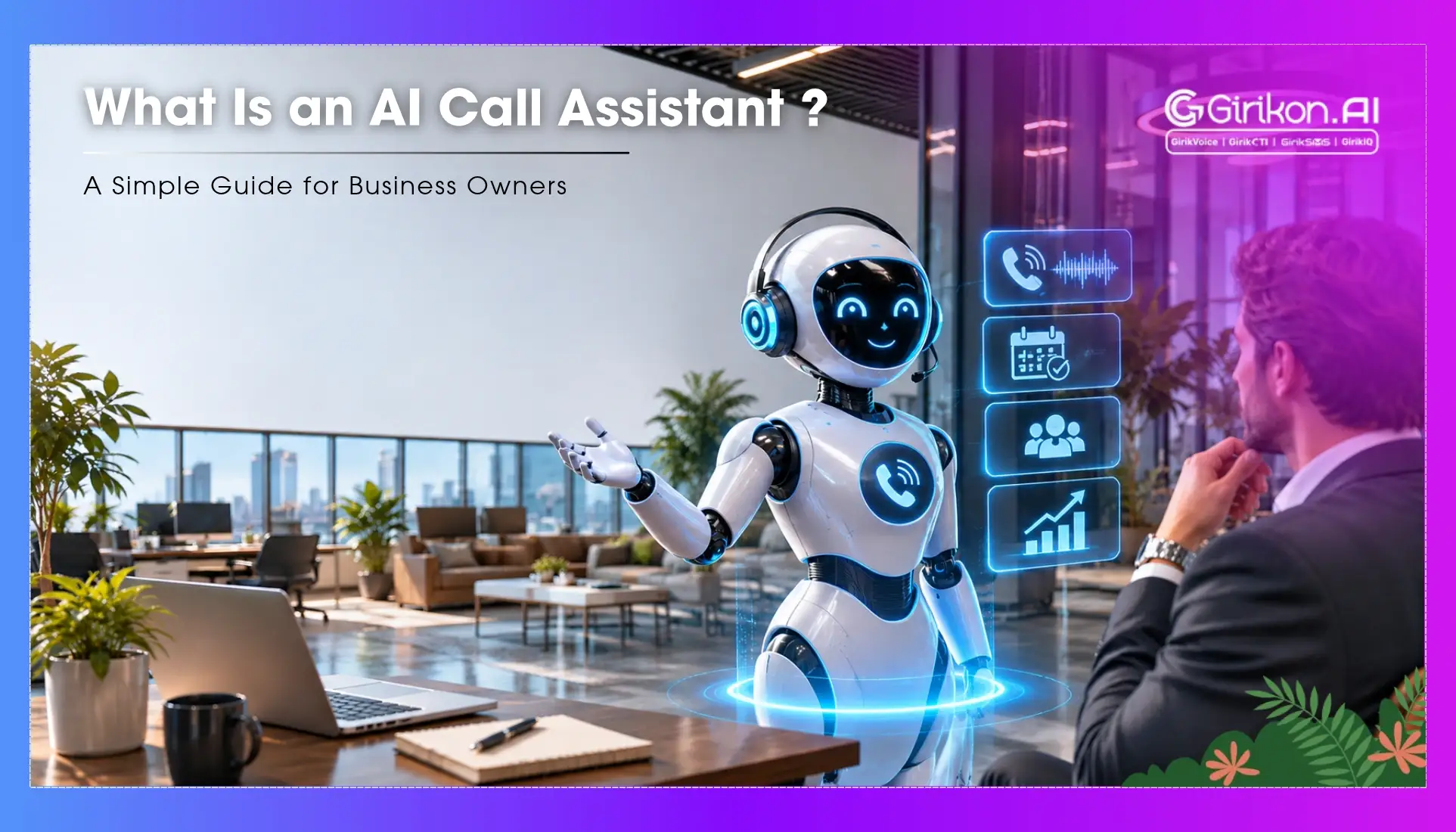
What Is an AI Call Assistant? A Simple Guide for Business Owners
Many business owners won't consider how much they spend on their phone. Calls missed, lengthy waiting times, and leaving voicemails after hours all cost you money; however, it often goes unseen until someone adds it up. In many industries, including health care, real estate, home services, and legal, the phone is still the first point of contact. However, the amount of workload that can be handled by humans and expectations have been drifting apart, and this has continued to increase. AI Voice agents are a great solution to fill the gap between the two, and there are many small/mid sized businesses using these. Most of the businesses did not set out to be early adopters. They simply got tired of losing business and calls, so they went looking for a practical answer.
This article is for business owners who have heard the term but may not know what it is or can be. This is not aimed at technical teams or people building agents from scratch.
Why Most Small Businesses Have Poor Phone Coverage
There is no issue with the effort that businesses make to answer calls. The issue is that humans can only work for so long, have limited attention spans, and sometimes multiple things will happen at once, causing something to slip. If a high-intent call comes into a business that they can't answer due to no one being available, it will often mean that the customer goes to a competitor. Most people will not wait around or leave a message when another business is only a search away. This can be compounded by:
- Costs associated with employing enough people to answer peak volumes of calls.
- People working outside of core hours or weekends.
- Inconsistencies in how good the first point of contact is with the customer, as it will depend on who answers the call and their mood.
Take a plumbing business, for example. Often they will receive calls between 5 pm and 9 pm, which makes up roughly 50% of their calls. At this time, the front of house will no longer be open. These calls are usually urgent, and so most won't attempt to call back the next morning. By then the customer has usually found someone else, and the plumber never learns that the job existed.
This isn't really an issue with the people you employ; however, it is an issue with your coverage. You simply won't have someone available to answer calls at this time on a Tuesday evening with a small business. Another example is dentists. Often they will receive re-booking requests and cancellations on Monday mornings. As the front of house can only take so many calls, the next call will go to busy, and they will attempt to call another practice. This means you will lose revenue. This can be unseen until someone attempts to add it up. This can compound over the months and not show up clearly on your P&L. A missed call does not appear as a line item anywhere, so it is very easy to assume the business is simply having a quiet month when in fact the phone has been ringing the whole time.
What Happens When We Use An AI Call Assistant?
Rather than getting too technical about what this is, it may be easier to think about the changes you will notice. That is a fairer way to judge agents, as you are not buying software, you are buying a different result when the phone rings.
Calls will be answered correctly outside of regular business hours. The AI will ask for prospect details, confirm what the prospects need and either book or flag them to a human. For many business owners, this alone changes how the evening feels. There long list of missed calls is not longer waiting for them the next morning.
During regular business hours, any overflow will be picked up. This means you won't have to scramble to answer them. Any standard queries will be answered to save you time. Everything will be logged into your CRM, summarized and transcribed.
Most businesses will notice the benefit of this in terms of scheduling. The AI won't have to check calendars or place someone on hold whilst querying a colleague. It will link to your booking system to ensure everything is completed in one conversation. The caller does not have to be told that someone will ring them back, and your team does not have to chase them to confirm a time that was already agreed.
What Can & Can't Be Done With This Technology
Whilst there are specific benefits to using an AI Call Assistant, most businesses that try to use it instead of speaking to a human will find issues.
What Can Be Done Well:
- Booking / re-booking appointments and sending confirmation/reminders.
- Answering frequently asked questions such as opening times, prices, services provided, and location.
- Taking details from a caller who wants to be called back or has further questions.
- Routing calls to the correct department/person quicker.
- Triage calls outside of core hours to identify whether they are standard or need urgent human help.
What Can't Be Done Well:
- Handling complex complaints which need empathy, negotiation, and judgement based on context.
- Handling calls from someone who is upset or confused and needs an adaptable response.
- Handling unusual requests.
Whilst there are limitations, you will find they are not as many as you think. The range of calls that can be handled without human input is increasing all the time and has been increasing faster than most would have thought a few years ago. It is worth reviewing what you decided was out of reach a year or two ago, as some of it may no longer be true.
Difference To The Horrible Automated Phone Menus
This is an important difference to note. Often this gets overlooked.
Old automated systems or IVRs, involve pressing 1 for billing and 2 for support, have become synonymous with poor customer service. These systems work on strict decision trees. If the caller doesn't have what they require in the decision tree they will fail. The caller will be placed in a queue, and is left feeling that nobody was listening, which isn't the impression you want to make.
Conversational AI Voice assistants understands the normal speech well and answer the actual question asked. Even if the caller goes off-track with their questions, for example, they ask about prices but then want to know more about other services, the AI will follow the conversation easily . It will just continue to follow the conversation. This means the overall experience will be completely different compared to using an IVR system. You will have to try and fit the issue into the categories provided with an IVR. With a conversational AI, you won't. Anyone who has spent several minutes pressing buttons only to end up back at the start will understand why this matters.
Fairly, the quality of the conversations will vary depending on the platform and how well the AI has been set up. However, the architecture behind this is completely different to the press 1 systems. This is one of the main reasons why some business owners disregard this technology. If you give it a go with a small amount of your incoming calls, you will see the difference. Choosing the calls that are least risky, such as opening times or booking requests, means that any early problems stay small and are easy to fix.
Before committing to a ai voice platform, ask the vendor what they do if the call goes outside of what they agent have been trained to do. This will tell you a lot about how mature their agent is. Will the agent fail, or act nicely or hand over the call to a human or just give a confused response. A vendor who accepts feedback about where the product stops is usually easier to work with than one who claims it can do everything.
Practical Comparisons Between A Staffed Line & AI Assisted Line
| Factor | Staffed line | AI-assisted line |
|---|---|---|
| Outside of Core Hours. | Voicemail / On call. | Fully Answered & Handled. |
| Overflow During Peak Hours. | Caller waits/rings out. | Overflow Captured Automatically. |
| Consistent Quality. | Varies depending on person & shift. | Consistent quality. |
| Scaling Cost. | Extra people needed. | Scales without increased cost. |
| Complex / Emotional Calls. | Good with the right people. | Limited & needs to be handed over. |
| Call logging. | Manually noted if captured at all. | Automatically transcribed & summarized. |
No business should ever say that an AI assistant can handle a call from someone who is upset or not in a situation to explain everything appropriately such as healthcare patients. In reality, AI will have a escalation path to follow. The AI will recognize the signs and route the call accordingly. It is also fair to tell your own staff, so they know that the difficult calls are still theirs and that the system is there to support them rather than replace them.
How To Set It Up
This is often overlooked by vendors. However, in most cases, setting this up won't take just an hour. The complexity has reduced dramatically in the last couple of years. What used to need a developer can now often be done by someone who knows the business well and is willing to spend a few afternoons on it.
You will likely go through:
- Decide what the assistant needs to handle. This will take the most thought and, if done poorly, will cause frustration for callers. Decide what questions they need to answer, what processes they need to follow, and what escalations they need to trigger. Writing down the ten most common reasons people call you is a good place to start.
- Set up the assistant with your business details. What are your opening times, services, prices (if you provide this over the phone), booking policies, and anything else they may ask.
- Set up integration with your tools. This will determine how useful the assistant is. Can they perform actions during the call or just collect information?
- Perform test calls with multiple use cases to identify any gaps in knowledge. Ask your team members to call with awkward questions, as they will find gaps that you would never think to check, and fixing them before launch is much easier.
- After going live, you will get to witness a few edge cases in the first few weeks.
Many AI voice platforms aimed at small business owners have made this more of a guided process. Whilst it does require some effort to set-up, it is not very complex. Ongoing maintenance is also relatively easy once Agent has been set-up well. Many owners find the first month to be more stressful. Afterwards, it becomes a short review each week of what callers asked and what could be improved.
What Type Of Businesses Get The Most From This
This technology usually gives the most benefit to those with a high volume of calls coming in. These calls should also be fairly predictable and directly related to revenue. Medical & dental practices with appointment volumes. Home service businesses (plumbers, electricians, HVAC) with a lot of emergency calls outside of core hours. Law firms with initial intake calls. Real Estate agencies with enquiry calls.
Whilst there are more use cases, they all have one thing in common. The cost of missing/mishandling a call is high, and the calls are repetitive, meaning they can be well trained to handle them. This is also why the technology tends to suit established businesses with a clear idea of what their calls look like, rather than very new ones still working out what customers will ask.
This Technology Is Still In Its Nascent Stage
Businesses that use AI call assistants are early adopters - they are still evolving. We see that there are real results and clear use cases, some of the fully automated features still have some rough edges. It is definitely imperative to start small and keep a developer close by while you learn how the agent behaves in your business workflow.
Overall, you can think of this as a layer of staff. It takes away the high-volume, repetitive tasks so humans can concentrate on where they can use their judgement. Whether this becomes outdated or remains true, as humans will always have value in certain areas, is something the industry hasn't decided yet and probably won't for a while. However, it is more useful to know whether your business has a high volume of calls and repetitive queries. If you are receiving 30 calls a day and most of them are asking the same 5 questions, you are in a completely different situation from someone receiving 5 very complex calls a day where each conversation requires real judgement. This technology is perfect for the former however is still a poor alternative for the latter. The most honest place to start is knowing what type of calls you receive.