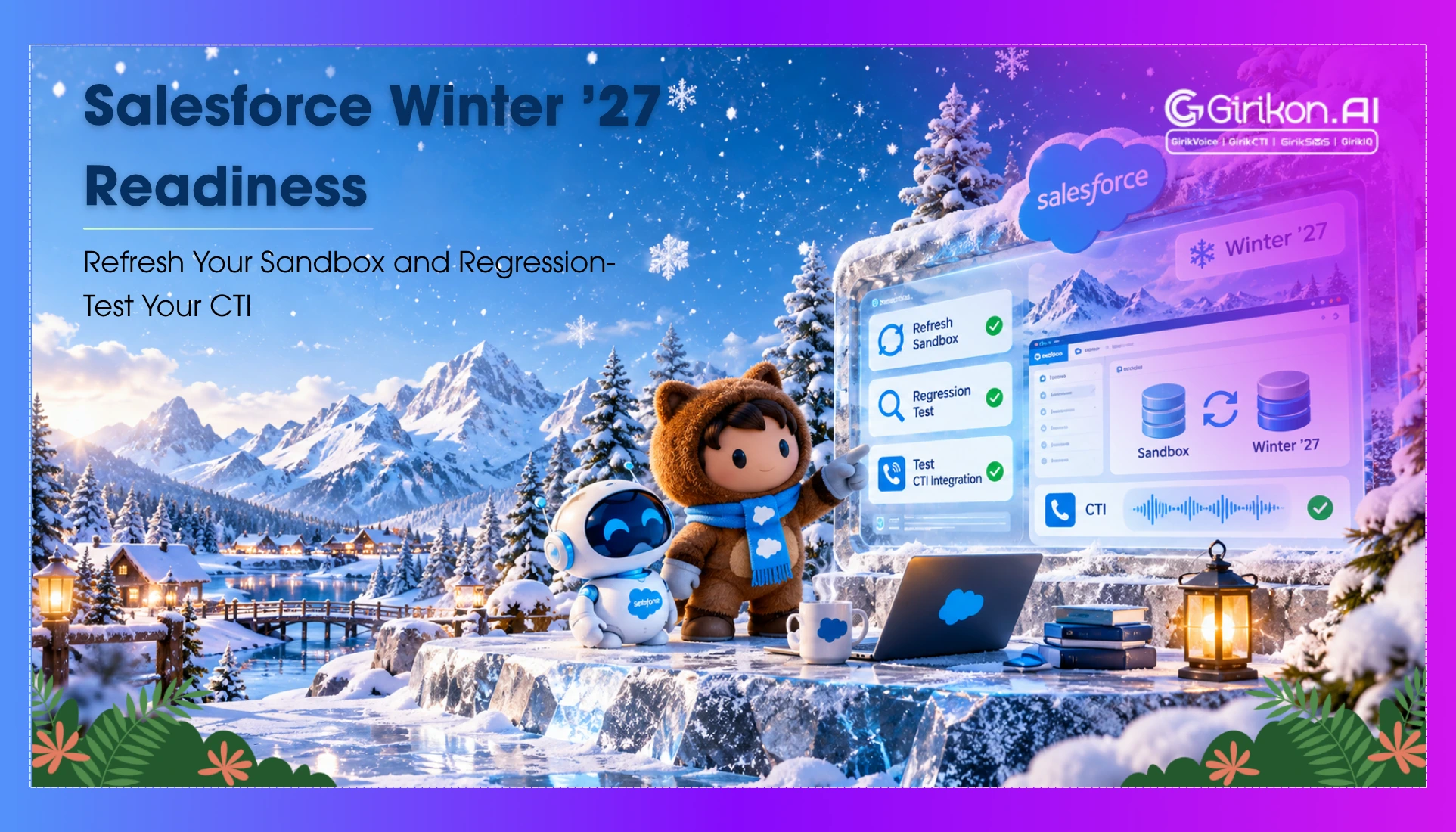
Prepare your Salesforce CTI integration for the Winter ’27 release with a comprehensive sandbox refresh checklist. Learn how to validate call routing, screen pops, call logging, dialing, and user permissions to identify compatibility issues before deploying updates to production.
Salesforce Winter 27 may arrive quietly — but its impact on CTI workflows may not be!
There can be instances when a screen pop may stop appearing; a call may fail to log against the right record — or a transfer may not work as expected. When these workflows break, agents lose access to customer context, making everyday conversations harder to manage.
Before these issues disrupt production on go-live day, it's best to test the CTI setup beforehand. A Salesforce sandbox refresh can fully prepare the test environment — whereas CTI sandbox testing and Salesforce release regression testing help in identifying problems related to calling, routing, screen pops, and call logging before the release. A reliable Salesforce CTI integration also helps teams maintain consistent calling workflows across Salesforce releases.
In fact, Salesforce also suggests using preview sandboxes to identify all the possible release impacts and validate expected behavior before the production upgrade.
In this comprehensive guide — we’ll explain how to prepare your sandbox, test critical CTI workflows, and follow a go-live-day checklist to help your contact center transition safely.
Why CTI Needs a Salesforce Release Test Plan
Salesforce CTI integration requires a release test plan because updates to Salesforce telephony integration may introduce issues that disrupt calling workflows, resulting in dropped calls, broken softphones, or failures in call data synchronization.
- Compatibility and Platform Updates: When the Salesforce platform is being released, the features and APIs used by CTI integrations can be impacted. However, following a Salesforce CTI integration guide and conducting timely testing helps identify issues with softphones, click-to-call, and other calling workflow processes before they affect daily operations.
- Pop and Matching Issues: When calls are received, an incorrect record may open due to issues with the Salesforce CTI screen pop, causing problems for agents when logging calls and accessing accurate customer information.
- Permissions and Access Issues: When there are any changes made to permissions or Salesforce settings — it hinders the agents from being able to use CTI functionalities or gain access to the necessary records.
- Omni-Channel and Routing Integration Challenges: When integrating CTI with Salesforce Omni-Channel or other routing solutions, it is essential to verify agent availability, call routing, and call transfer capabilities. Salesforce call queue management helps ensure calls are directed to the right available agents, reducing the risk of dropped calls and improving the overall customer experience.
What Is a Salesforce Sandbox Refresh?
A Salesforce sandbox refresh updates the test environment based on the latest setup of the Salesforce environment. Based on the type of sandbox, it can also replicate business data to perform tests. This allows teams to create a testing environment based on the latest production environment before conducting CTI regression testing, ensuring the Salesforce CTI architecture functions reliably after updates or configuration changes.
What Happens During a Salesforce Sandbox Refresh?
- Sandbox Recreation: During the refresh cycle — Salesforce makes another copy of the sandbox environment. It replaces the sandbox environment with this fresh copy.
- Copying of Metadata and Data: Metadata is copied by Salesforce — while the data copied varies according to the type of sandbox. Configuration testing is mainly done using developer and developer pro sandboxes, while partial copy and full sandboxes can hold production data.
- Previous Sandbox Replaced by Fresh Sandbox: Once the new sandbox becomes active — the existing sandbox will be replaced with the fresh one. It is recommended that teams save their necessary test data before refreshing the sandbox.
- Change in Email Address: The Salesforce system modifies the email address of the sandbox users by appending ". Invalid" to the email address of sandbox users.
For CTI team members, refreshing the sandbox provides a way of ensuring that the tests have more realistic configurations, permissions, and data. Nonetheless — just a refresh does not mean that everything related to telephony integrations or connections is ready to conduct the tests.
Salesforce Release Regression Testing: CTI Sandbox Checklist
After a Salesforce sandbox refresh — it is important to test the CTI workflow processes used by agents before pushing any changes to the production environment. It is important to review the Salesforce release notes and release updates first and focus on scenarios that would be affected by your CTI setup.
| Test area | CTI Sandbox Testing Scenarios |
|---|---|
| Inbound calling | Test calls from unknown callers, callers with a single matching record, callers with multiple matches, missed calls, and inbound transfers where supported. |
| Outbound calling | Test click-to-call from Leads, Contacts, Opportunities, Cases, list of views, and reports supported by the CTI integration. |
| Screen pops | Verify that the correct Salesforce record opens; multiple matches are handled as expected, and no record is selected incorrectly. |
| Call logging | Confirm that call direction, duration, disposition, owner, related record, and recording or transcript links are captured where configured. |
| Record association | Make sure — the call has been assigned to the right Lead/Contact and to the right Opportunity/Case. |
| Transfers and conferencing | Test Salesforce call transfer functionalities, including warm transfer, cold transfer, conference calls, and return-to-agent workflows, where applicable. |
| Permissions | Make sure that CTI functionality is granted to sales representatives, supervisors, and users as required. Ensure that recording permissions are as per requirements. |
| Failure handling | Ensure that failed attempts at writing to Salesforce are handled properly. Also ensure that browser refresh doesn’t lead to duplicate call record entries. |
| Reporting | Verify that completed calls, missed calls, transferred calls, and callbacks appear correctly in the relevant Salesforce reports and dashboards, ensuring accurate tracking through Salesforce call history. |
How to Validate CTI Against Salesforce Winter 27 in a Refreshed Sandbox
Once Salesforce sandboxes have been refreshed — it is important to validate the version and ensure the CTI workflows are working properly. Here are the five areas that you must focus on:
- Confirm the Salesforce version: Make sure that the sandbox version matches the intended one.
- Check compatibility with Open CTI: If you have integrated using Open CTI, make sure that it is compatible with your CTI partner — this is because Salesforce plans to discontinue Open CTI by February 28, 2028.
- Test the softphone UI: Ensure the CTI adapter loads successfully and looks correct in the Salesforce console.
- Validate core CTI workflows: Ensure the inbound and outbound calls work — along with other core workflows like call transfers and screen pops.
- Check authentication and Release Updates: Verify all updates that could impact CTI integration — API access or permissions.
- Test user permissions: Replicate key scenarios using both agent and supervisor accounts rather than only the administrator account.
Identify the problem areas, fix them, and re-run those particular tests. After the critical problems have been sorted out, do a quick smoke test to verify that all the required CTI processes are working as desired. This is in addition to other Salesforce regression tests.
Go-Live Day: A Practical CTI Checklist
Once the Salesforce release is deployed — use this checklist to verify that critical CTI workflows still operate as expected.
- Pre-deployment: Release validation, notify agents, support coverage, and user testing.
- After deployment: Perform smoke testing for 10 to 15 minutes for both incoming and outgoing calls, pop-ups, dispositioning, transferring, and Salesforce logs.
- For the first few hours: During the first few hours, identify issues reported by agents, failures in updating call logs, duplicate records, and routing problems. Implementing Salesforce call task automation can help streamline call logging, reduce duplicate records, and improve call routing efficiency.
- In case of failure: Follow the fallback plan — take screenshots and the interaction ID and contact the Salesforce Administrator and the CTI provider.
- By the end of the day: Review the defects log and plan to perform regression testing on all the outstanding defects.
Frequently Asked Questions
1. What happens when you refresh a Salesforce sandbox?
Salesforce sandbox refresh recreates your sandbox environment by cloning the data from the source org — this depends on the type of sandbox that you have chosen. You may have to reactivate your sandbox after this process, as well as set up the external integrations and CTI.
2. What are the best practices for refreshing a Salesforce sandbox?
Save your test data or any configuration that needs to be preserved before refreshing — ensure that you select the right kind of sandbox environment and look at the refresh schedule as well as the preview status for the Salesforce release.
3. How often can you refresh a Full sandbox in Salesforce?
A Full Sandbox in Salesforce may typically be refreshed once every 29 days — it is best to consult the Salesforce documentation on sandbox management for more information on the refresh schedule.
Concluding Words
Salesforce sandbox refresh enables you to test the CTI workflow for the new Salesforce version, but it is not sufficient to ensure that all functionalities are running properly. You can evaluate the best CTI for Salesforce by testing dialing, screen pop, call logging, routing, and permission functionalities to identify potential issues before deploying changes to production.
Using the combination of CTI sandbox testing, Salesforce release regression testing, and smoke tests after the Salesforce deployment will allow you to detect the problems and quickly fix them. Make this process a part of each Salesforce release cycle, including Winter '27.