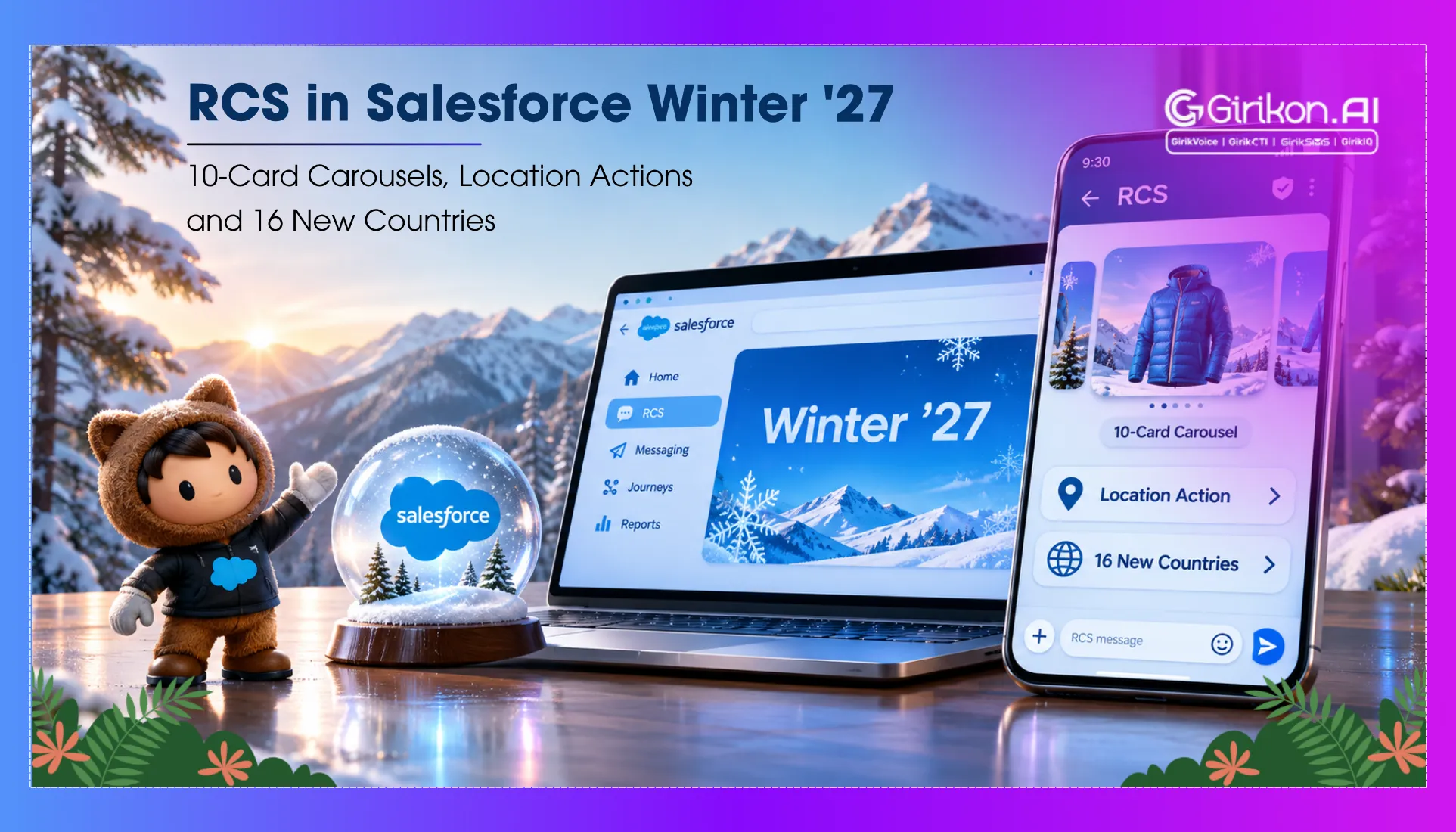
Salesforce Winter ’27 brings 10-card RCS carousels, location and calendar actions and 16 new countries. Here is what each update means for your messaging.
What if a customer could browse a collection of products, locate a store, or even book an appointment all from a text? This shift can completely transform the way businesses use mobile messaging — not by increasing the number of messages they send, but by increasing the opportunities to connect.
Well, the good news is that this experience is no longer just a possibility. Salesforce’s Winter ’27 release brings new capabilities to RCS business messaging in Salesforce, including carousels with up to 10 cards, new location and calendar actions, and expanded country availability.
For businesses already exploring ways to improve customer communication through Salesforce messaging solutions — these updates open new possibilities for creating more interactive experiences. But what do the new features actually offer, and how do they compare with traditional SMS? Let’s take a closer look.
What’s New in Salesforce RCS Features in Winter ’27?
The Winter ’27 release has brought 3 notable updates to Salesforce RCS messaging: a carousel with up to 10 cards, new location and calendar actions, and international expansion. From assisting users in searching for items to simplifying a daily task — these tools are designed to meet real-world needs.
RCS Carousel Messaging Supports up to 10 Cards
With 10 cards in a single carousel, businesses can publish up to 10 cards in one message — enabling their brand to feature multiple products, services, or offers in a single, more interactive message. Card types include images, text, and action.
For example, a retailer can use one message to showcase a variety of products and let the customer "swipe" through them rather than through many SMS messages. This same approach can be used for flight packages, subscriptions, or other services.
The benefit of RCS carousel messaging is that your customers can view different options right in the messaging app, which makes finding your product easy — your business could also use these carousels in specific campaigns, where a visual comparison will benefit the customer more than a text message.
Location and Calendar Actions Simplify Customer Tasks
New location-based and calendar actions are also introduced in Winter '27, providing customers with more options to act on a message without copying the information manually or app-switching.
A company might have a store location to assist customers in planning a visit or include a calendar action in an appointment reminder. Such interactions can help make transactional messages more meaningful when customers need to act upon what they receive.
How valuable is it if there is minimal friction between passing a message on and taking the desired action? The potential options will differ between implementations and supported devices, so businesses should test and verify the experience prior to campaign launch.
Expanded Country Availability Opens New Opportunities
The release also highlights RCS expansion into 16 additional countries, creating opportunities for businesses that communicate with customers across international markets.
But wider coverage doesn't mean RCS is necessarily a go-to solution in every market. You will still need to validate a country's availability, carrier support, and which RCS Business Agent requirements apply before you deploy.
Organizations using Salesforce to publish and manage international campaigns will want to check markets early to ensure that they're not creating messaging journeys that they aren't yet able to activate on.
RCS vs SMS: Which Fits Your Salesforce Messaging Strategy?
The most significant difference in RCS vs SMS is how customers engage with a message. SMS is good for simple notifications and reminders — RCS takes it a step further with images and actions that will spice up the conversation.
| Capability | RCS | SMS |
|---|---|---|
| Content | Images, rich cards, and carousels | Text and links |
| Customer interaction | Recommended responses and action buttons | More text-based responses |
| Branding | Verified business profiles with branding | Branding inconsistent and non-comprehensive |
| Most applicable for | Product discovery, offers, and engaging experiences | Brief alerts, OTPs, and easy reminders |
| Accessibility | Device, carrier, and market-dependent | Greater mobile capability |
For Salesforce users, it's a matter of deciding on the functionality of the message. RCS is advantageous when consumers must flip through choices or act — SMS is still handy for a quick notification or to get extra reach.
In addition to the channels above, you can use multiple channels together. Salesforce offers SMS fallback support for compatible RCS messages, enabling businesses to message customers in the absence of RCS support on their device.
Still weighing your options? If yes — explore our comparison of RCS vs. WhatsApp vs. SMS to see how the three messaging channels differ and which best fits your customer communication needs.
How Businesses Can Use RCS Business Messaging in Salesforce
The true benefit of RCS business messaging in Salesforce is to link customer journeys with engaging messaging. Rather than each message being a one-and-done alert — Salesforce automation can use the journey to deliver contextually relevant messaging to customers, leading them on the right path.
Here are three real-world examples:
Retail: Create an Interactive Product Discovery Experience
Businesses can utilize RCS carousel messaging and display a collection of products, offers or seasonal ranges in a single message. Users can view what's on offer and tap on an option to get more details, assisting brands in running more attractive marketing campaigns.
Travel and Hospitality: Simplify Bookings and Visits
Travel companies, hotels and service providers can use RCS messages to allow calendar actions and booking info to be shared. Customers can then access all the necessary information without having to search manually.
Customer Service: Make Notifications Actionable
Reach your customers with service updates, appointment reminders, and more with Salesforce RCS Messaging. Add relevant actions to your message to make it more dynamic than a basic text message alert and include engagement events to help determine the next message.
For companies considering RCS business messaging Salesforce, the exercise should include considering which customer journeys would be well served by rich media or interactive actions. An inclusive use case set, targeted market availability, and a suitable SMS fallback plan matter more than incorporating every single message as RCS.
Conclusion: Make the Most of Salesforce RCS Messaging
From 10-card carousels to location and calendar actions, Winter '27 offers companies a greater opportunity to engage customers with interactive mobile messaging. For companies ready to take advantage of RCS business messaging in Salesforce, there is an exciting opportunity to select customer journeys for which not every message may be RCS, but it is certainly better.
Get ready to evaluate your audience, target markets, and messaging workflows so you can find where richer experiences will add value. When you've got the proper methodology for Salesforce messaging solutions, there are lots of parts to bringing more relevant and actionable messaging into your customer engagement.
Bring RCS into Your Salesforce Journeys
See how GirikSMS supports richer messaging inside Salesforce.