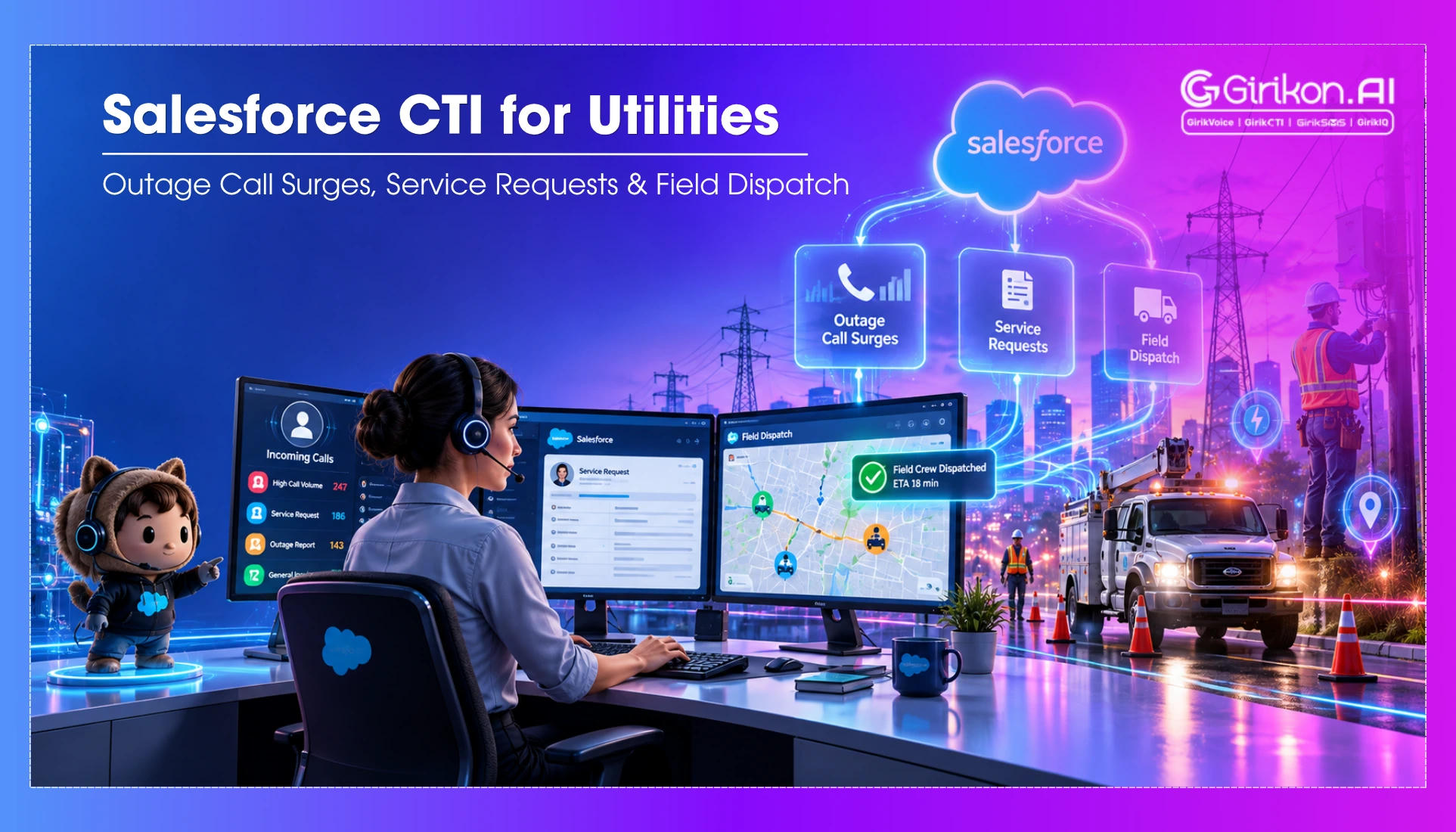
Discover how Salesforce CTI for Utilities helps energy and utility providers manage outage call surges, streamline service requests, and coordinate field dispatch. Learn how integrating telephony with Salesforce enables faster customer response, smarter call routing, real-time visibility, and more efficient field operations during both routine service needs and critical outages.
- 1Integrate Salesforce CTI to automatically surface customer information via Screen Pop during high-volume outage calls.
- 2Route incoming calls intelligently based on predefined rules like service areas, agent skills, and issue categories to ensure efficient handling.
- 3Automate the creation and updating of Salesforce service requests during calls, preserving crucial conversation details for subsequent teams.
- 4Streamline outage call management by structuring workflows to prevent agent overwhelm and reduce customer wait times.
- 5Connect telephony with Salesforce to unify customer data, service requests, and agent actions for a more efficient contact center operation.
A power outage hits the neighborhood. In a matter of minutes, hundreds of customers begin making telephone calls.
They are interested in information related to what happened, when the electricity supply will resume, and what the reason for the blackout is. The agents check for information about the blackout, find out the customers involved, collaborate with service teams, and create service requests.
Managing hundreds of calls while keeping agents informed and customer updates can quickly put a utility contact center under pressure. This is where intelligent call routing, automated workflows, customer context, and Salesforce call flow management become essential — and Salesforce CTI for utilities brings these capabilities together in one connected contact center.
By connecting telephony with Salesforce through Salesforce telephony integration, utility companies can bring customer information, service requests, and agent actions into a unified environment. Let's look at how Salesforce CTI supports utility contact centers across some of their most demanding workflows.
Why do Utility Centers Struggle with Call Surges?
Utility companies experience call volumes that can change dramatically within minutes. A planned maintenance notification may generate predictable questions. But an unexpected storm, widespread outage, or equipment failure can trigger thousands or hundreds of calls at once.
During these periods, traditional contact center processes can create several problems:
- Agents manually search for customer records.
- Field teams may not receive enough information quickly.
- Multiple customers report the same outage separately.
- Customers wait in long queues.
- Service requests take longer to create.
This makes utility contact centers have more than basic inbound calling that manages high call volumes while keeping outage updates, service requests, and customer information connected.
How can Utility Contact Center Salesforce Handle Outage Call Surges?
Outage management is one of the clearest use cases for utility contact center Salesforce integrations, particularly with Salesforce inbound calling. Imagine a major storm causing outages across several service areas. The contact center immediately receives a spike in inbound calls. If every caller is routed to an available agent, the agents can quickly become overwhelmed. Effective outage call handling can help structure this workflow.
Identify the Caller
The system can use the incoming phone number to locate a customer's Salesforce record. This is commonly known as Screen Pop and is a key feature of Salesforce CTI integration. Instead of asking the customer for the information that the utility may already have, the agent can be presented with relevant details, such as:
- Customer name and account
- Recent customer interactions
- Service address
- Open issues or appointments
To illustrate, if a customer makes a complaint regarding an outage of electricity, the first thing that the representative will see is the service address and check if a problem exists there already.
Routing Calls to Teams Correctly
Billing problems, emergency cases, and requests for services might be processed by different departments. Salesforce CTI can help in routing calls through pre-established rules.
- Service areas
- Agent skills & availability
- Customer type
- Language
- Issue category
For example, a customer calling to ask about their bill should not necessarily follow the same queue as some reporting a potentially dangerous electrical problem.
Turn Calls into Actionable Service Requests
A utility call often needs to trigger an action.
Instead of lodging the conversation separately that may be about a customer reporting a streetlight problem, requesting a service appointment, or requiring a field technician, Salesforce CTI for utilities can enable Salesforce call automation to create or update the relevant Salesforce record during the call.
The service request can then retain important information from the conversation, giving the next team more context about the issue.
Connecting Customer Calls with Utility Service Requests
Without an integrated system, agents may have to search for customer information, find their accounts, open a service request, and then determine which team should handle it. When call volumes are high, these manual steps can slow down request processing and increase the chances of missing information.
Salesforce CTI can connect the phone interaction directly with the utility contact center's Salesforce service workflow. This allows agents to access the customer's records, learn the reason for the call, and update the appropriate service requests without leaving the Salesforce environment.
How Does Salesforce CTI Streamline Service Request Call Automation?
Depending on the businesses processes and Salesforce configuration, Salesforce CTI can automate and support workflows for:
-
New Service Connections
Initiate a request and capture customer details for the appropriate service team.
-
Streetlight Outages
Capture the issue and location details to send the request to the relevant maintenance team.
-
Maintenance Requests
Understand the maintenance issue from the customer call, create a service request in Salesforce, and route it to the appropriate team.
-
Equipment Problems
Create service requests when customers report malfunctioning or damaged utility equipment.
-
Meter Issues
Record meter related issues and route them for inspection or replacement.
How Does Salesforce CTI Help Managing Field Dispatch?
When customers report broken meter readings, bad connections, or other physical issues, the call center needs to move the issue from the conversation to field action as quickly and accurately as possible. This is the point at which Salesforce CTI starts to work in cooperation with service processes used in the field to eliminate issues.
-
Capture the Issue During the Call
The agent can record the problem while speaking with the customer and let CTI store relevant details such as the type of issue, equipment involved, and location.
-
Create a Service Request from the Call
Once the problem is diagnosed, the agent can then update or generate a service request in Salesforce which is associated with the customer's account and previous interaction.
-
Give Preference to Urgent Cases
The built-in functionality available in Salesforce can help to categorize and prioritize those cases that require immediate response.
-
Route the Request
Based on factors such as service location, issue type, available resources, or priority, the service request can be directed to the right team responsible for the work.
-
Give Field teams the Customer Context
Relevant information captured during the customer call can travel with the service request when the request reaches the field team.
-
Keep Agents Updated on the Request
Agents get a clearer visibility into whether the request is assigned, pending, scheduled, in progress, or completed within Salesforce.
-
Close the Loop with the Customer
The process does not end when the field team receives the request. Once the field visit has been conducted, the updated service request may be used in follow-up communication with the customer.
Conclusion
In addition to handling a large number of calls, the utility company should assist its agents in understanding customer problems, keeping the field staff aware, and transforming conversation into action.
Salesforce CTI for utilities makes all this possible through the integration of customer call and routing workflows with service requests and Salesforce records. During an outage surge, it can help organize incoming calls, provide agents with the customer context they need, and maintain a detailed Salesforce call history for better visibility into customer interactions. When a request requires field dispatch, it can also help maintain the flow of information from the initial call to the field response.
If you are also looking for a CTI solution that helps you bring telephony and Salesforce workflows together, consider using GirikCTI. It makes every customer interaction easier to manage, and every service request easier to act on. Start your free GirikCTI trial today and see how a connected Salesforce contact center can simplify utility customer service.