Imagine this, a customer after hanging up a quick and helpful call with your support agent, receives a personalized SMS thanking them for the call and directing them to a feedback form. A few hours later, a follow-up message is sent to them, providing updates on their issues automatically.
Imagine this, a customer after hanging up a quick and helpful call with your support agent, receives a personalized SMS thanking them for the call and directing them to a feedback form. A few hours later, a follow-up message is sent to them, providing updates on their issues automatically.
That’s how the powers look with the integration of Salesforce CTI and SMS.
As customers today expect consistency, personalization, and speed across all channels, CTI and SMS together create that engagement engine and real-time connection that never sleeps. No matter if you are following up after a sales call, confirming appointments, re-engaging cold leads, and resolving customer issues faster, having the dynamic duo is what you really need to transform everyday interactions.
Why Combine Salesforce CTI and SMS Together?
Getting such questions in mind is common, especially when you are not aware of the incredibility that these two distinct platforms offer. No worries, as long as you’re in the guide.
Well, while CTI handles real-time communication, SMS offers instant and asynchronous messages that today’s customers prefer. And integrating both together via Salesforce results in:
Unified Customer Interactions
With the integration of CTI and SMS for Salesforce, all customer conversations—no matter if it’s voice or text are tracked in a single and unified interface. That means, agents are not required to switch between tools and guess what happened in the last interactions. They can simply have a view of every message, call log, and follow-up within Salesforce, thus getting continuity and full context for faster resolutions and smoother conversations.
Accelerated Response Times
While manual follow-up times are often forgotten and time-consuming, automated follow-ups are quick and instant, letting you instantly trigger SMS follow-ups after a call ends, send appointment confirmations, and share important links—tailored to each customer. This results in reduced agent workflows, a more engaging customer journey without delays, and faster response times.
Automated Workflows
No matter if it’s about sending a reminder before an appointment, collecting post-service feedback, and confirming a callback request, automation ensures that these touchpoints happen without any manual efforts. This not only makes time-sensitive workflows preferrable to customer experience but also keeps your operations smooth. Thus, letting you build trust in the loop at every step.
You can trigger a call when an SLA is about to expire by using dynamic tools like third-party apps you believe in and Salesforce Flows to create logic-based workflows. These include, for example, sending an SMS confirmation when a case is closed. All these ultimately help you to focus on areas that truly matter—your sales and nurturing relationships.
Engagement Analysis and Reporting
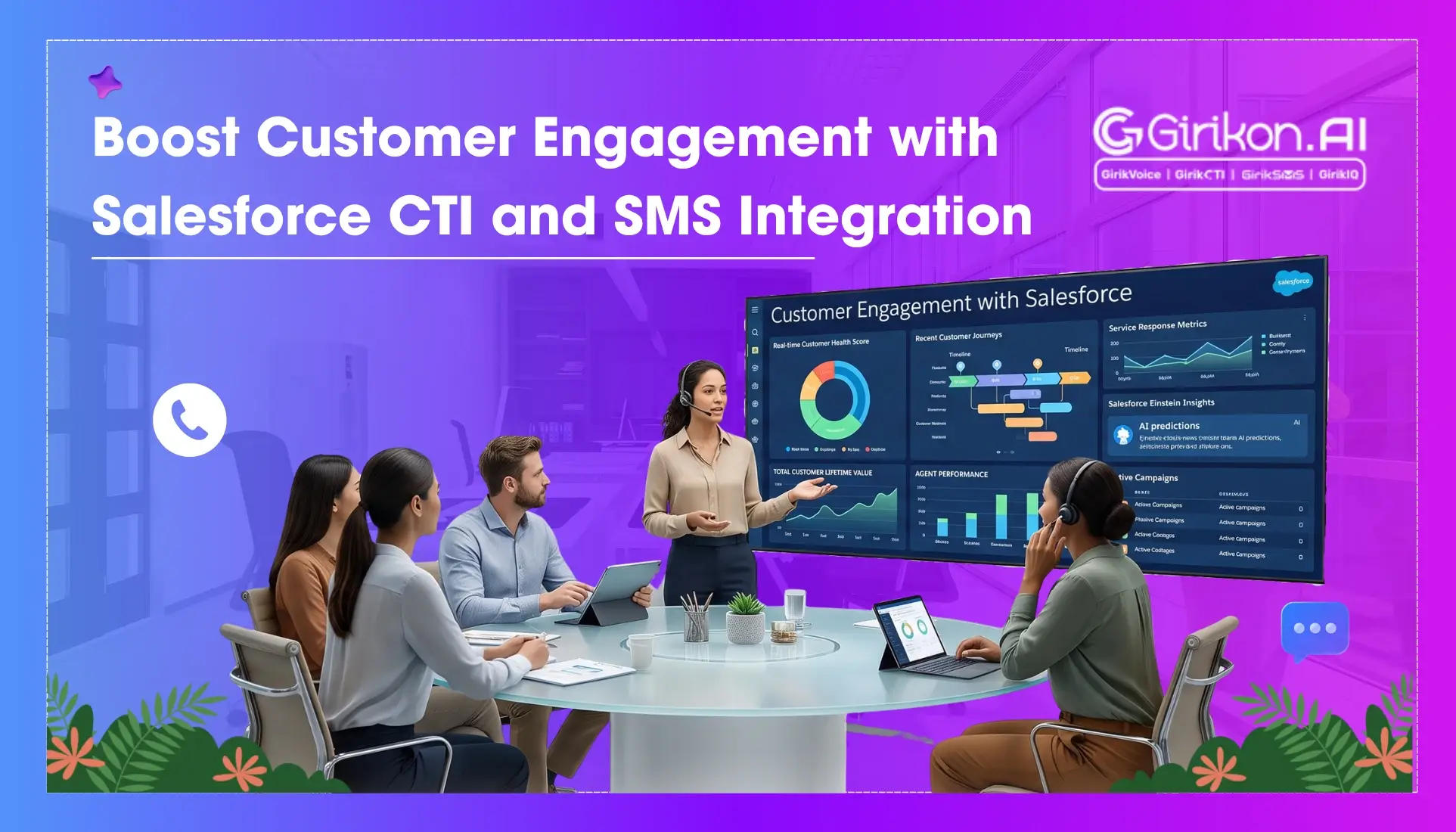
Salesforce comes with such visibility power that it lets users access detailed engagement metrics like call duration, response rates, follow-up success rates, and click-throughs in a matter of few seconds. This understanding of insights not just helps in identifying what’s working but also ensures optimized communication and strategies for data-driven decisions that directly impact customer satisfaction.
With the due power of Salesforce messaging app and CTI, you can have every touchpoint, text, and call captured automatically inside Salesforce—giving you a single source of truth. Average response times can be computed for all channels, offering you the much-needed track record pointing to bottlenecks and the field for team workflow optimizations.
The analysis can have dynamic insights into call metrics depending on each call logged that may include how long the call lasted, if the issue was resolved, or how long the customers were put on hold, etc. Such metrics are utilized in enhancing call routing, which guarantees resolutions right away, with balanced workloads intelligently.
Better Customer Reach
Not all customers want to speak. Sometimes they even choose to resolve issues via text messages only, and this trend is even more common when they're busy or on the go. That's why, instead of relying on only one way to communicate, businesses must focus both on call and SMS options to communicate with customers on their terms. This helps them connect with a wider audience in the most convenient and frictionless way possible.
Besides, multichannel flexibility does not restrict customers into a single mode of communication but enables them to adapt to their preferences—thus making interactions more personal, natural, and effective. Also, as both channels are tracked and managed from a centralized place, agents get full conversation history in real-time.
Security and Compliance
Since the SMS-and-CTI integrated solution is compliance-ready, you can quickly ensure that every interaction gets logged and audited under CCPA, HIPAA, or GDPR rules properly. It also ensures the keeping of sensitive customer info out of channels that might put their security in question, such as third-party apps or personal phones. So, whether it's a phone call or SMS, every interaction remains encrypted, logged, and stored safely.
What else do you need? Because Salesforce CTI and SMS provide you with automatically generated customer history, agent details, and timestamps, letting you ensure a complete audit trail for compliance, legal, and internal review for all kinds of dispute resolutions.
No More System Switching
Do you know how much time it takes to switch from one system to another? If not, then you must know that even a few seconds per task adds up to hours of lost productivity every week. And that's why having an integrated CTI and SMS system is important. Not only does it enable the team member to work from one single and unified workspace, but it also reduces clicks per task when it comes to sending SMS, updating records, and placing calls.
Moreover, with everything connected and automated, there will be less room for human errors which commonly occur during copy-pasting of numbers, duplicating notes, and searching for contacts. Even a streamlined workspace helps agents to remain focused and maintain a higher level of service—while handling high volumes of inquiries.
Real Use Cases of CTI and SMS for Salesforce
Now, let’s get in detail about the real-life use cases of Salesforce CTI and SMS and how their alliance brings strength to sales, customer support, and field service teams.
Sales Teams: Less Churn, Faster Conversions
- CTI provides agents with essential information about customers before they even answer the call, all thanks to its screen pops feature.
- Automated SMS follow-ups are triggered by Salesforce after a call to confirm next steps, send promotions, and share documents.
- Re-engagement of cold leads has happened directly from Salesforce, all because of its scheduled SMS campaigns.
Field Service & Appointment-Based Businesses
- Route urgent incoming calls to agents via CTI’s intelligent call routing that works on the basis of agents’ availability, skill sets, and customer priority.
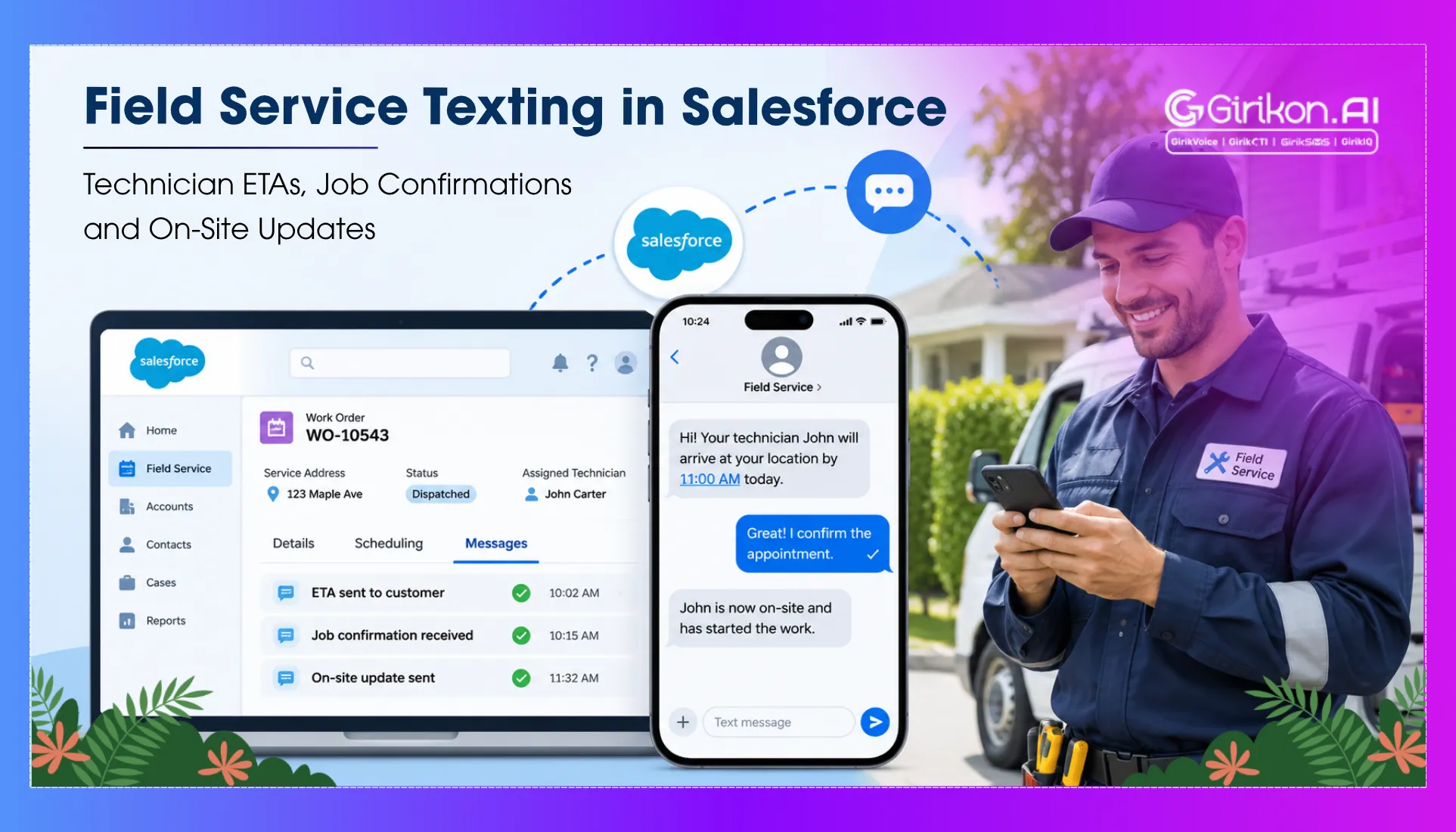
- Automatically confirm upcoming appointments with customers via text-eliminating no shows and confusion. Also, share precise location details and technician or staff info, with a live tracking link.
- Use satisfaction survey through SMS from Salesforce for automated follow-up after service delivery.
Customer Support: Resolve Issues with Speed & Clarity
- When missing a customer call, the support team can instantly send an SMS to follow-up, apologizing, and offering alternate support options.
- Leveraging SMS, the team can share support ticket updates, closure summaries, and knowledge base links seamlessly.
- While eliminating the need for long wait times, Salesforce CTI enables customers to request callbacks via SMS.
Benefits You Can’t Ignore of Salesforce SMS and Salesforce CTI
Here are some of the amazing benefits of integrating CTI and SMS directly into Salesforce. Learn about them, make communication easier, and transform your engagement strategy like never before.
Increased First Contact Resolution (FCR)
Issues are fixed at the very first touchpoint with agents getting access to full customer history, past interactions, and real-time context from both calls and texts.
Reduced Average Handling Time (AHT)
Agents spend less time scrambling for relevant and precise information with the help of features like automated call logging, SMS templates, and screen pop-ups are automatically loaded with dynamic content.
Higher Lead Conversion Rates
CTI’s instant responses, and SMS’s personalized messages let agents keep prospects engaged, thus increasing conversion rates and shortening the sales cycle.
Better Agent Efficiency & Empowerment
With access to automation tools, smart routing, built-in calls/SMS functionality, teams can focus on resolving problems, building relationships, and closing deals, thus moving the needle of conversations.
Enhanced CSAT & NPS Scores
The seamless transition between voice and SMS helps the team update customers in real-time, thus minimizing delays and creating better experiences that feel more thoughtful.
SMS vs Calls Is the Wrong Debate: Why Modern Sales Teams Use Both
For years, businesses debated whether SMS or phone calls were the better option for outreach. The conversation has moved on. Buyers hop between channels, often ignore unknown numbers, and prefer asynchronous communication that fits their schedule - yet complex, high-value conversations still need a human voice. Relying on just one channel creates pauses, disjointed processes, and lost revenue. That is why teams now run SMS and calling Salesforce workflows together.
| SMS Is Best For | Calls Are Best For |
|---|---|
| Confirmations, reminders and quick updates read within minutes | Complex B2B conversations that need tone and empathy |
| Time-independent replies on the customer’s schedule | Building credibility and personal connection |
| Automated, consistent outreach from Salesforce workflows | Resolving urgent issues without long back-and-forth |
Combined, the two channels lift contact rates: a missed call followed by a well-timed text improves the chances of getting attention and keeping the conversation alive. With click-to-call, automated SMS follow-ups after calls, and shared interaction history inside Salesforce, reps never ask customers to repeat themselves.
How to Reduce Lead Response Time with SMS + Auto Calls
When a prospect shows interest, they are usually comparing several vendors at once, so any delay can push them toward a competitor. As lead volumes grow, manual follow-up slows down right when speed matters most. Pairing SMS, with its instant visibility, and automated calling, which connects every lead to a rep without delay, is the fastest way to reduce lead response time. Here is how to build an instant follow-up system:
Capture Leads in Real Time
Connect every lead source to Salesforce so each new lead syncs the moment it is generated and your team can act without delay.
Trigger an Instant SMS
Set up automated messages that fire as soon as a lead is captured, acknowledging the inquiry and offering clear next steps. This immediate lead follow-up SMS keeps momentum from the very first touch.
Initiate Automated Calls
Start automated calls right after capture to connect the lead to a sales rep, play a recorded message, or offer menu-driven IVR options, so every opportunity is handled instantly.
Assign Leads Smartly and Track Results
Route leads to the right rep by geography, lead score and more, then track response times, engagement and conversions to keep refining the system.
The result is faster engagement, higher conversion rates, a better first impression, more productive reps, and a process that scales with lead volume without losing speed.
How to Automate SMS + Call Workflows in Salesforce: 7 Practical Tips
When interaction volume scales but SMS and call workflows don’t, leads go cold and response windows are missed. The fix isn’t more headcount, it’s smarter configuration. With the right setup, Salesforce handles SMS and call workflow automation end to end, from triggering a message when a record updates to routing calls based on case status - with faster responses, consistent messaging, automatic activity logging, and less operational overhead.
Use Salesforce Flow as the Backbone
Record-triggered flows send SMS or create call tasks based on specific field changes: a lead status update, a case priority shift, or an opportunity stage move. Flow handles complex logic and branching, so each communication fires at the right moment with no manual steps. See how Salesforce messaging automation works across channels.
Define Trigger Conditions Before Building
Broad triggers produce duplicate messages, unintended outreach, and a damaged sender reputation. Use narrow criteria such as “Status changed to Qualified” or “Case closed with no follow-up logged,” and validate each trigger against real record data before activating it.
Integrate CTI to Close the Call-to-SMS Gap
Configuring Salesforce CTI logs every inbound and outbound call against the right record automatically. A completed call can then trigger an SMS recap or next step without an agent lifting a finger.
Build Opt-Out and Consent Logic from the Start
Every SMS flow should check a designated opt-out or consent field before sending, so unsubscribed contacts are excluded by the system, not by a rep reviewing a list. Our SMS compliance guide covers the rules.
Separate Workflows by Object
Leads, contacts, cases and opportunities have different data and lifecycle stages. Separate automation per object is easier to test, simpler to update, and gives clear ownership: sales manages lead flows, support manages case flows.
Validate Every Workflow in a Sandbox
Test in a sandbox before deploying to surface errors in trigger conditions, field references and message content, and to check edge cases like missing fields or records that meet several triggers at once. Skipping this step is the most common cause of mass-messaging incidents.
Review Performance on a Set Schedule
Track delivery rates, response rates, call completion and opt-out trends in Salesforce reports at regular intervals, not just when performance dips, so you can adjust timing, content and workflow paths as your data evolves.
In a Nutshell!
Not just about answering queries, but customer engagement is about delivering value at the right time, on the right channel.
That’s why businesses must put their trust on Salesforce CTI and SMS integration that empowers the team to do just that more personally, consistently, and efficiently. However, to make the most of this integration, it’s vital to use solutions that are purpose built for Salesforce like:
GirikCTI— An advanced CTI solution with call recording, screen pop-ups, and intelligent routing features.
GirikSMS— A Salesforce native SMS app that supports more than two-way messaging with its dynamic functionality.
When used together, these not just enhance communication but help you modernize customer communication. Consider meeting with their experts as they can only tailor and amalgamate the two platforms based on your unique business needs.
Bring Calls and Texts into One Salesforce Workspace
See how CTI and SMS work together to cut response times for your team.