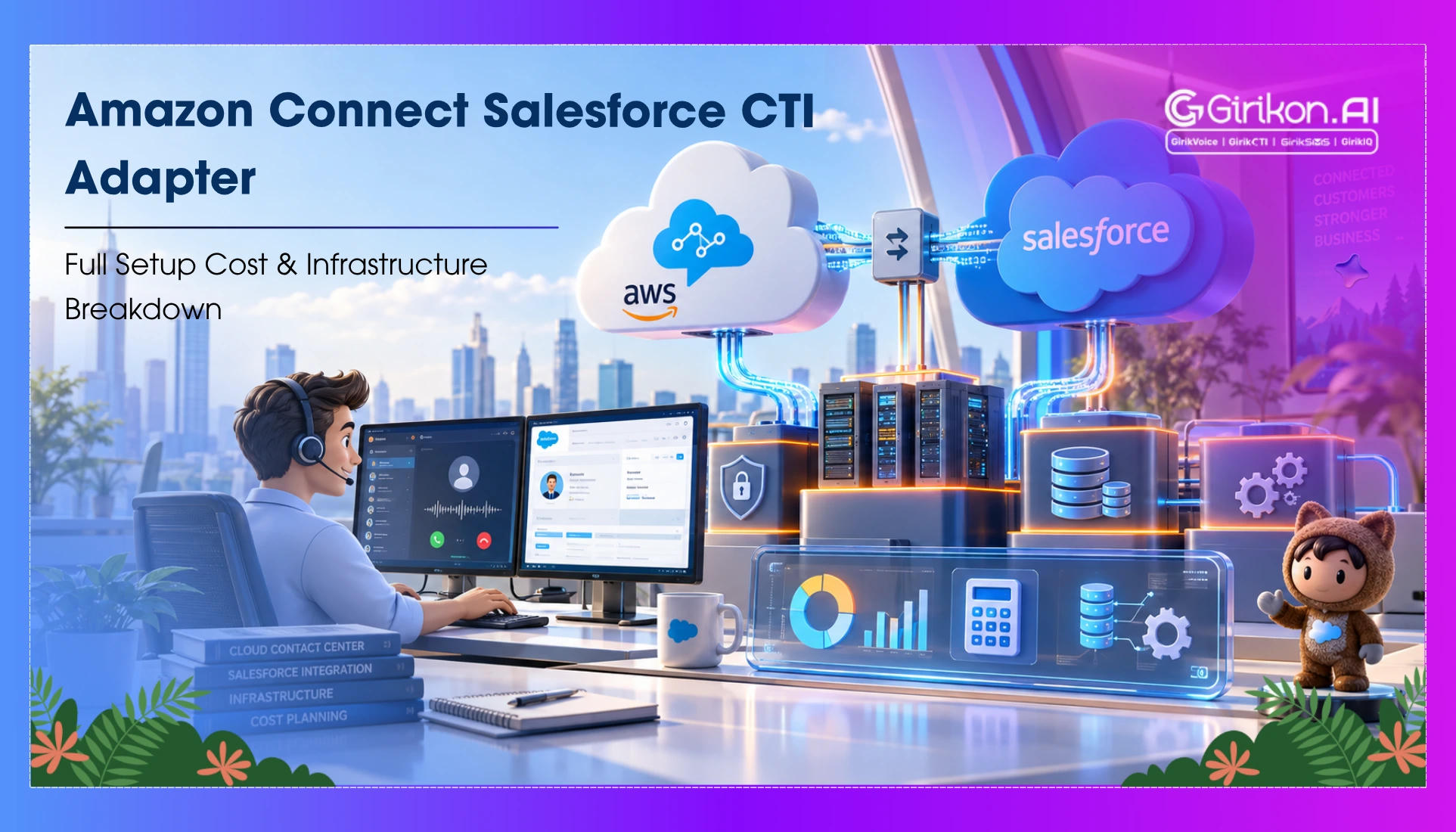
Explore the Amazon Connect Salesforce CTI Adapter, including setup costs, technical limitations, integration considerations, and key signs that it may be time to replace it with a more modern Salesforce telephony solution.
Contact centers often connect Salesforce with Amazon Connect through the Salesforce CTI Adapter. However, the infrastructure it operates on Salesforce Open CTI, is already scheduled for retirement on February 28, 2028.
This Salesforce Open CTI retirement means organizations without a proper transition plan risk depending on an integration that will lose support and trigger costly rework. If your business is already using the adapter, then you still have time to plan the next architecture. However, new implementations face a different consideration: whether investing in an Open CTI-based deployment makes sense when its underlying technology has a defined retirement date.
So how do businesses go about it? What will be the better approach to assess whether the adapter still fits immediate needs or whether it's time to design a future‑ready voice architecture. In this blog, we'll help you find answers to these. We'll explore the setup cost and the challenges you may come across to make the transition (if needed) for an easier and seamless workflow.
How Much Does the Amazon Connect Salesforce CTI Adapter Cost?
The adapter is available as a free AppExchange package. The overall Amazon Connect Salesforce integration, however, still involves several Salesforce CTI integration costs. These are:
- Amazon Connect Usage: Amazon Connect follows a consumption-based pricing model. Charges depend on the services and communication channels used, including telephony and other contact center capabilities.
- AWS Infrastructure: The adapter uses AWS services, including serverless components. Lambda execution and other resources can generate additional AWS charges based on usage.
- Salesforce Licensing: The adapter does not replace Salesforce licensing. Organizations must account for their existing Salesforce edition, Service Cloud requirements, user licenses, Salesforce CTI pricing, and any additional capabilities required for the implementation.
- Implementation and Administration: Configuration, testing, security controls, customization, troubleshooting, upgrades, and ongoing administration can require internal engineering resources or external implementation services.
How Do You Set Up the Amazon Connect Salesforce CTI Adapter?
-
Install and Configure the Adapter
Install the Salesforce package and configure the required call center settings, permissions, users, and Amazon Connect instance.
-
Configure the AWS Components
The integration uses AWS serverless components to support functions such as call-related record creation, contact data, recordings, and other Salesforce workflows.
-
Configure Security and Connectivity
Salesforce domains, approved origins, permissions, Amazon Connect settings, and browser requirements must be configured correctly. Running into error in any of these areas can stop the integrated CCP from loading or functioning correctly.
-
Test the Agent Workflow
Confirm whether inbound and outbound calls, screen pops, transfers, recordings, and record creation are running smoothly under pressure or not. Next, verify error handling time before going live; this prevents service disruption.
-
Installation Requirements
Setting up the adapter requires more than adding an AppExchange package. Both Salesforce and Amazon Connect must be configured, and the integration demands ongoing administration to remain stable.
What are the Hard Limits of the Salesforce CTI Adapter?
One of the primary challenges or limitations is its dependency on Open CTI. After retirement in February 2028, Open CTI implementations will no longer function. This date creates a fixed lifecycle limit for the Amazon Connect Salesforce CTI Adapter. The integration also carries operational dependencies. Salesforce configuration, AWS resources, browser behavior, permissions, and adapter versions all affect the deployment. Customizations can increase maintenance requirements and make future migration more involved.
These limitations are particularly relevant when an organization is considering significant development of work around an existing adapter deployment. So, the next question that you may have is: should you even replace the system?
When Should You Replace the Amazon Connect Salesforce CTI Adapter?
The retirement timeline should be considered alongside the organization's implementation plans and technology roadmap.
- You are Building a New Contact Center: A new deployment based on a technology scheduled for retirement requires a migration plan from the beginning. Salesforce also states that Open CTI is unavailable for newly created Agentforce Service orgs. For a new architecture, teams should evaluate Salesforce's current voice capabilities rather than assuming the existing adapter is the default path.
- You Need Deeper Salesforce Voice Integration: Salesforce Voice is built to offer deeper integration with Salesforce service capabilities, including Omni-Channel and Command Center. It offers better alignment between voice interactions, service workflows, routing, and Salesforce data than the traditional Open CTI model.
- Your Requirements Extend Beyond Basic CTI: The adapter can support established calling workflows. But organizations with requirements around advanced routing, omnichannel operations, AI-assisted service, or analytics should evaluate whether the existing architecture can support their roadmap.
- You are Planning Major Custom Development: Large investments in custom CTI functionality deserve careful review when the underlying technology has a scheduled retirement date. Development completed today may require additional remediation during migration.
Should Existing Customers Replace the Adapter Immediately?
Not necessarily.
Existing Agentforce Service orgs can continue using Open CTI until its retirement. Organizations with stable deployments can use the remaining period to document dependencies, review customizations, assess integrations, and determine their target architecture. The immediate priority should be architectural planning rather than unnecessary disruption to functioning operations.
A migration assessment should identify which workflows depend directly on Open CTI, which customizations need redevelopment, which Salesforce capabilities are required in the future state, and how Amazon Connect will fit into that architecture.
5 Tips for Successful Salesforce CTI Migration
-
Start with an inventory of the current Salesforce CTI architecture and CTI adapter deployment.
-
Document every CTI feature, custom component, integration, workflow, screen pop, recording process, and user group that depends on the adapter.
-
Separate standard functionality from custom development because the migration effort will differ between the two.
-
Define the required future-state capabilities like voice routing, Salesforce data access, agent workflows, automation, or security, and compliance.
-
Align existing capabilities with the target architecture and define a clear migration sequence. It gives you a clearer basis for estimating redevelopment effort and identifying dependencies before the retirement date.
Conclusion
The Amazon Connect Salesforce CTI Adapter can continue supporting existing Amazon Connect and Salesforce workflows within its current lifecycle. Its free AppExchange package does not eliminate the costs associated with Amazon Connect, AWS infrastructure, Salesforce licensing, implementation, and administration. As an existing customer, you should use the available time to assess dependencies and define a migration path. Organizations starting a new deployment should evaluate the retirement timeline before committing significant development resources to an Open CTI-based architecture.
Want to future‑proof your Integration? Having a Salesforce‑native CTI solution removes reliance on Open CTI, enables seamless call handling inside Salesforce, and sets up a stable foundation for long‑term architecture.