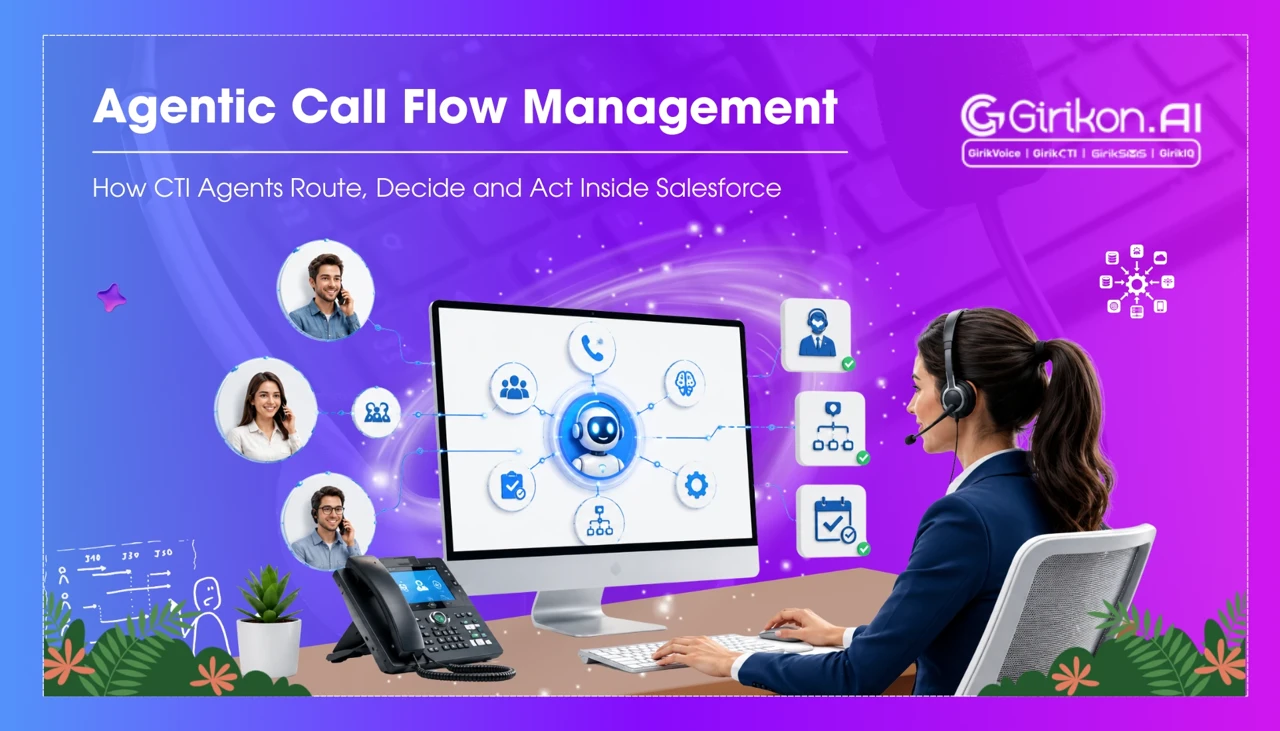
Agentic AI is transforming how contact centers operate inside Salesforce. Instead of simply transferring calls based on predefined rules, CTI agents can now understand caller intent, evaluate customer context, make routing decisions, and take action in real time. This blog explores how agentic call flow management works within Salesforce—from intelligent call routing and context-aware decision-making to automated actions and seamless CRM updates—and how businesses can build faster, smarter, and more personalized customer experiences.
- 1Understand the caller's intent using AI to initiate agentic call flow, moving beyond simple routing to determine the purpose of the call.
- 2Leverage Salesforce context to personalize interactions by identifying existing customer data and relevant information before routing.
- 3Automate decision-making based on caller intent, Salesforce data, and routing logic to determine the most effective next step, such as AI handling, specific agent routing, or escalation.
- 4Route interactions dynamically to the optimal destination, whether it's an AI agent, a specialized queue, or a specific representative based on skills and availability.
- 5Transform call handling into a proactive CRM workflow by enabling automated actions based on the interaction, rather than just logging post-call.
A call can reach the right department and still take the wrong path. A customer's account may already exist in Salesforce, yet the agent still has to search for their record. Their reason for calling may be clear, but the interaction still follows a fixed routing rule. And when the call needs to be transferred, valuable context can disappear along the way.
Agentic call flow automation changes that model. Instead of simply sending the caller to an available agent, the system can understand the request, use the Salesforce context to determine the next step, route the interaction, and streamline Salesforce call flow management.
What Happens When an Agentic Call Enters Salesforce?
An agentic call flow does not begin with a simple question: Where should this call go?
It begins by understanding the interaction.
When a Salesforce-based system receives an inbound call, then Omni-Channel flows decide the behaviour of the interaction as it flows in and where it should be routed. According to the documentation of Salesforce, flows are "the routing brain for Salesforce Voice".
The broader process can be understood as:
Understand → Contextualize → Decide → Route → Act → Escalate
Each stage answers a different question, and together they turn call handling into a workflow rather than a single routing decision.
-
Understand: Why Is the Customer Calling?
The first question isn't 'Which agent is available?' But rather, 'What does the client require?' An AI voice agent will interact with the caller and determine what they want. They may want to know about open support tickets, payment delays, appointment sets, or product inquiry.
This matters because the customer could necessitate a completely different response, depending on why they're dialing. Salesforce's intelligent routing considers both who the customer is and why they are calling to determine where the call should go.
Intent therefore becomes an input to the workflow, rather than something a human agent has to determine after answering the phone.
-
Contextualize: What Does Salesforce Already Know?
Once you've identified why they are calling, then you are looking at the next question: What does Salesforce already know about the caller? Salesforce knows whether the person is already a customer; they can access accounts that the caller belongs to, as well as pulling up any cases.
The goal isn't to retrieve everything in the CRM. It is to bring forward information that can influence what happens next.
Consider a customer calling about a product upgrade. If there are already an active opportunity and Account Representative visible to Salesforce, this existing information can directly impact the subsequent routing decisions.
The whole point here is a change in the paradigm-active call driving based on CRM information rather than post-call logging.
-
Decision Making Phase: What Should Happen Next?
This is the phase where agentic call flow automation goes beyond simple routing.
The system can assess the intent of the caller, context of the logged Salesforce call, configured call routing logic, and capacity of the AI agent or human team.
The next step might be to:
-
Let the AI agent handle the request.
-
Route the interaction with a specific representative.
-
Send it to a specialized queue.
-
Use skills or availability to find an appropriate agent.
-
Escalate because the request requires human judgment.
Salesforce allows voice calls to be routed to an Agentforce Service Agent using Omni-Channel flows, with the ability to define fallbacks when the desired route is unable to accept the call.
Basically, the system determines the best route before forwarding the call.
-
-
Route: Send the Interaction to the Right Destination
Once the next step is determined, CTI agent call routing can direct the interaction to the appropriate destination.
That destination doesn't have to be a generic department. Based on the workflow, the call goes to an AI agent, a specific representative, or a destination picked as per skills and availability.
Salesforce Omni-Channel flows support dynamic routing across these destinations, allowing organizations to build routing logic around the requirements of the interaction.
For example, if Salesforce identifies the caller's assigned account representative, the routing logic can use that relationship instead of sending the customer through a general queue.
The objective is straightforward: get the interaction closer to the person or system that can resolve it.
-
Act: Turn the Conversation into a CRM Workflow
Routing answers one question:
Who should handle this interaction?
Action answers another:
What should happen because of this interaction?
This is where agentic workflow automation CRM becomes broader than voice routing, enabling Salesforce call task automation to streamline follow-ups, task creation, and post-call workflows.
Conversations trigger all kinds of actions, such as record updating, case creation, starting another workflow, or even passing new information to another process—all of this is done based on the configured workflow and permissions.
For instance:
Customer calls about a service issue → AI identifies the issue → Salesforce finds the existing case → AI handles the request → relevant information is updated → the customer receives the next step.
The exact actions depend on how the organization configures its Salesforce agents, flows, permissions, and business processes.
-
Escalate: Know When AI Should Step Aside
A well-designed agentic call flow also needs a clear boundary for AI.
There are conversations that require human intervention as they are complex, sensitive, outside the AI agent's scope, or simply better handled by a person.
Salesforce supports an AI voice agent human handoff from AI-handled voice conversations to service representatives, with its current voice capabilities designed to preserve relevant conversation context during the handoff.
Voice Agent Change Management
Read the full guide on voice agent change management.
What Agentic Call Flow Automation Changes
The real shift isn't that AI replaces every human decision.
It is that the call itself becomes part of an intelligent Salesforce workflow.
Instead of just answering a single question about how the call should be routed, the voice system can understand the caller's intent, connect that intent to a known context, figure out which is the correct path, push out the interaction, trigger pre-defined actions and escalate to humans.
Salesforce's existing voice setup demonstrates this focus - voice comes into the system with Omni-Channel Routing and AI capabilities (and with CRM context and agents).
For businesses using Salesforce, this changes how CTI can be viewed. It is no longer just the connection between a phone system and a CRM. It can become part of the workflow that determines what should happen next.
Conclusion
By using Agentic call flow automation, call flows become more objective and context-driven. Instead of following a pre-programmed, limited path, Salesforce AI calling can use identity, intent, CRM context, and workflow rules to determine the best next call action.
This turns the call into a connected workflow where Salesforce can interpret the request, guide the interaction, and support the next action.