5 Signs Your Business Is Ready for an AI Call Assistant
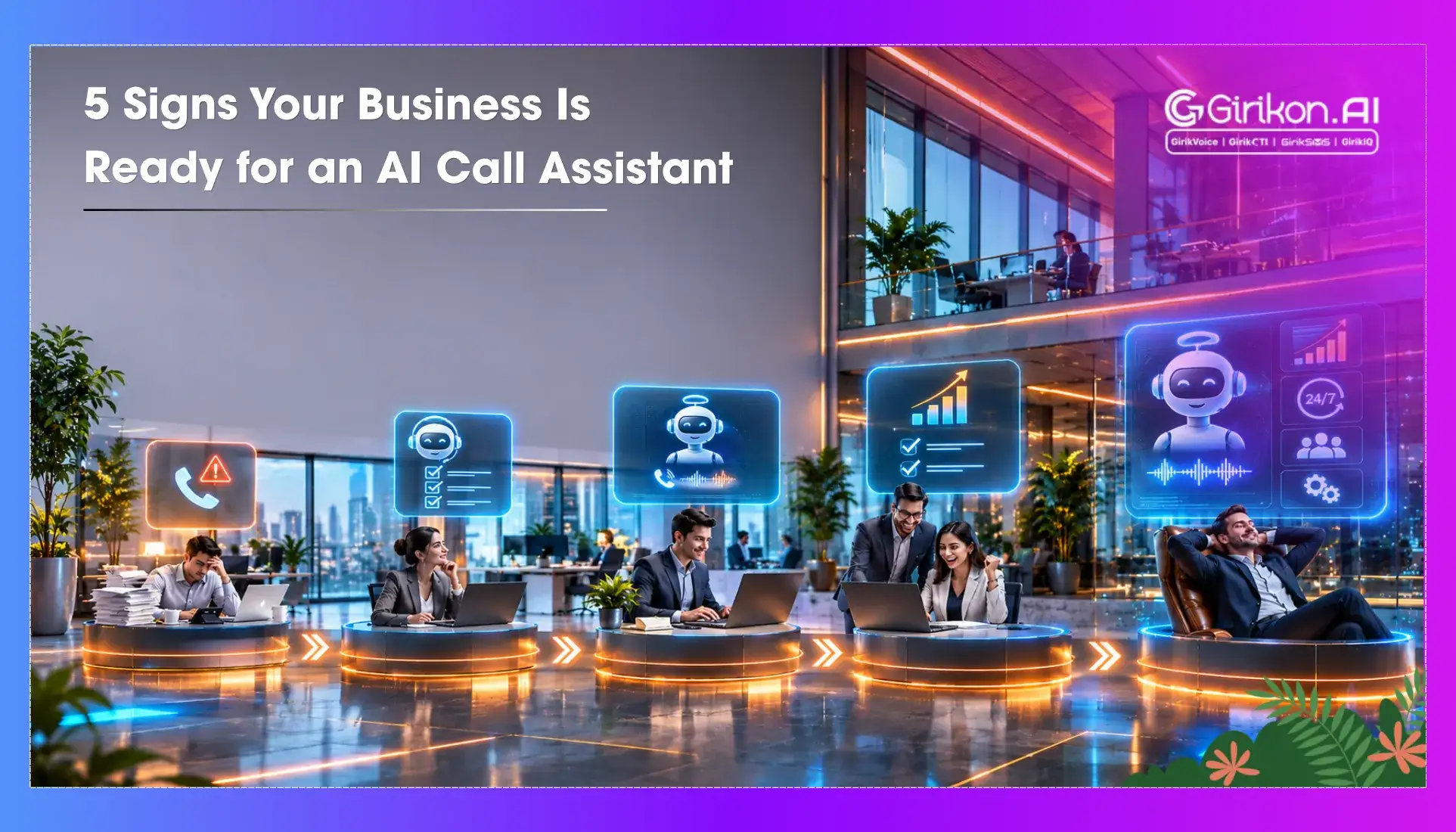
Growth brings an interesting challenge for a business: the more customers you have, the harder it becomes to give each of them sufficient attention. Calls get overlapped, inquiries get longer queues, salespeople lose valuable time in answering routine queries, and essential customer information gets lost from call to call. At first, these issues seem to be staffing related but later turn out to be indications of something deeper – the business struggling to scale its communication system with growth. An AI call assistant is worth considering at this stage of your business; using an AI-powered calling agent which is not simply limited to answering phone calls but also manages conversations, collects information about customers, qualifies inquiries and connects communications with processes. But how to recognize whether your business actually needs an AI solution? We have laid out some signs you probably miss before they start to influence your bottom line.
Why Traditional Business Calling Systems No Longer Provide Efficiency
Traditional business calling systems were built on a simple assumption: customers call and support teams answer to lead the conversations further. But that model works when call volumes are manageable, and teams are small; this way, customer interactions are easily tracked without much coordination needed among teams. When businesses are growing, they operate differently. Every customer interaction contributes to a larger operational picture. While a handful of calls can be managed at ease, increased call volumes also introduce dependencies that are difficult to manage. A regular process, thus, becomes dependent on several manual actions happening correctly. This necessarily doesn't mean teams are performing poorly. The problem is that traditional calling processes rely significantly on employee availability and mutual coordination.
Some typical constraints are as follows:
- Dependence on the availability of employees: The incoming calls are managed based on the availability of staff rather than customer urgency.
- Slow and inconsistent follow-ups: The high volume of calls leads to increased waiting time and missed inquiries.
- Insufficient customer history: Manual data entry systems usually contain only basic information with no detailed information on conversations.
- Inconsistent customer history: Different teams carry different information thus leading to inconsistent customer interactions and communication records.
- Increased operational costs: Hiring more employees can increase efficiency but not necessarily solve fragmentation issues or avoid repetitive tasks.
5 Signs You Need an AI Call Assistant
The need for automation is not about having large teams to manage high call volumes. You must identify where your existing processes are lacking, preventing your employees from doing their most valuable work and whether automation can really close those gaps.
What is a typical day for your team? If a large number of inbound calls ask the same questions, about pricing, availability, order status, appointment booking, etc, their time and expertise are being underutilized. Each interruption is expensive because your reps are losing their precious time returning to a proposal or a negotiation that takes time. Follow-up calls are delayed for the same reason: repetitive inquiries, and closing deals are stalled.
The AI call assistant handles repeat calls and the initial conversation to collect details on who is calling and what they are looking for. Inside the CRM, the AI assistant locates a caller by their phone number and logs the interactions for future reference. Based on the conversation, follow-up tasks are also created so that nothing is missed after the conversation ends. Additionally, a call summary is also maintained for sales reps so that the conversation continues without starting over.
Use this test for a week: Ask reps to review the calls that did not require human judgement. If these calls take up a decent part of their workday, this is your sign.
Missed calls usually do not make it to the reports. A caller who does not receive a response from your business does not leave a message or a voicemail; they simply ring the next business on the list. It only comes to notice when you compare the call logs with your leads.
There are patterns that you can look out for - calls beyond business hours, during lunch breaks, during a campaign week, or on sales or festivals when the traffic is high. Also check callbacks; if there is a missed call but a delay in the callback, the lead may have already spoken to another business.
A call assistant answers every call and asks some basic qualification questions to log the information as a Lead in your CRM. The routing rules assign the lead to a relevant rep, just like any other lead generated from web forms. Thus, a caller at 7 pm becomes an assigned lead at 7:01 p.m.
Match your last month's abandoned and missed calls with the data on your current leads, and the difference tells you how many of the opportunities you have missed. This would help you understand how deep the problem runs.
Check the activity history in an open opportunity. A call alone does not capture all the details. If a quick note says 'Called the customer and discussed the pricing' but does not provide any insights, the call records are incomplete. By the time someone takes notes, the next call happens and the details are forgotten completely.
What usually isn’t captured is:
- Customer’s actual question and objective in their own words
- Commitments that were made during the call (callback time, discount, etc.)
- Tone changes that could indicate risk
An AI call assistant records the conversation, captures the insights, takes notes, and updates the record. Hence, doing the call logging in CRM without the need to type it all. When it is done neatly, the notes are stored as searchable text in the Contact or Case record, and the summary goes to a field that can be used for reporting. Tasks are later generated based on the commitments that were made during the call. Since transcripts can get very long, many organizations store the summary in a text field, while the transcript itself is stored as a file/related record.
Pull out ten recent calls and look at the difference between what actually happened versus what's on the record. This is your data gap.
Ask the same question to two of your reps the way a customer would do. If one of them gives the current price and quotes the proper policies, while the other makes guesses or stalls the customers, it is causing inconsistencies in your customer experience. Consistency goes a long way when it comes to languages and shifts: for instance, the night shift does not know anything about the promotion started earlier the same morning.
An AI voice assistant provides the same answer from the same source each time as long as this source remains updated. The source is usually a set of Knowledge articles and the record of your customers. Once something changes, you should update the same in the Knowledge articles, instead of briefing your teams again.
The role of language is bigger than the majority of businesses think. In India, callers switch from one language to another in one sentence and expect an answer in their language. Thus, the AI call assistant in India you use should be tested in those conditions, not during mere demos.
List the most common questions every week, and test all your lines with these questions to evaluate the responses you get.
Growing business can put pressure directly on the phone. At first, there are just a few more numbers, then another team making calls from a different system. Pretty soon, no one can tell accurately how many calls were received and which one of those were answered and missed. If you cannot answer either, your technology is already lagging.
There are signs of it:
- Call volumes rise up but the same teams are handling it
- Every team is using separate tools
- Call insights are prepared from the telephony portal instead of the CRM because call data and customer data are stored apart
An AI assistant scales based on your capacity and records all the calls into the same format regardless of which team is managing the call or what the number the call came from. So, if your routing, ownership, field rules and logics are a mess, you will only get a messier record.
Pro Tip: A pro tip is ask how do your teams log their calls. If you get three different answers, you've got your answer.
Reasons You Should Wait
Not all companies have to start now. Do not move ahead if any of these apply to you:
- Call volume is low. If you can comfortably manage each and every call and nothing is missed, the cost of the AI call agent will be higher than the benefits.
- Most calls require judgment or emotion. Negotiations, complaints, sensitive, and other emotional cases cannot be left to the AI calling solution.
- You do not rely on scripted answers. If your conversations are fluid, the AI assistant will have nowhere to fall back when it comes to the answer.
- Your CRM records are unreliable. Duplicate contacts and shared family numbers confuse caller matching.
- There is no owner. An AI call assistant needs oversight even after implementation. Without one, transcripts go unread and answers drift from reality.
Waiting is not a failure. A few weeks of preparation can distinguish a successful pilot from a failed one.
What Should You Look into Before Adopting the AI Call Assistant?
If you notice any or all of these indicators, the next thing to consider is whether you are prepared to adopt an AI calling solution. Five criteria determine it:
- Suitability of automation: Create a list of the most common reasons for calling and prioritize these according to three categories: repeatable, with a predefined solution; repeatable, requiring the system to find out the information, and the one requiring personal attention. Start with the first two. The AI calling assistant should take the responsibility for calls where an incorrect response is not expensive, and route others quickly, providing context.
- CRM preparation: The quality of your CRM data can make a big difference. When someone calls, the system needs to recognize them and pull up the right contact. But if duplicate entries or incomplete records exist, the match can be unreliable. For instance, Salesforce requires the last name of the caller and their company name to store the contact as a Lead. If any of those details are missing, the record is never created in the CRM.
- Integration Architecture: Define how calls will be integrated into the CRM, including whether the solution will use Open CTI, or a direct API connection with the telephony provider. Specify how call recordings will be stored and managed and note the process of handling failed logging attempts. Also, estimate the daily API consumption associated with call logging.
- Performance metrics: Define the baseline and metrics before going live. It will be too late to measure after.
- Implementation context: There is no universal compliance checklist. So, when deploying an AI calling assistant, requirements change with the market. In India, TRAI only prefers 140 series numbers and DLT registration for promotional calls. 1600 series numbers are regulated service calling numbers. The DPDP Act prioritizes data privacy and security and DND scrubbing poses another consideration. Speak with your legal counsel before deployment. Check the current requirements and test the call assistant AI using your own recordings in the languages used by your callers.
How to Measure the Impact of the Project on the Business After Implementation
Do not measure the outcomes using the vendor's baseline. Measure everything you can for four to eight weeks before implementation and compare yourself.
- Call answer rate: Calls that got responses checked per hour
- Lead generation rate: Calls where callers turned into Lead or Contact and provided usable information
- First call resolution (FCR): When the issue was resolved at first contact
- Human escalation rate: Calls escalated to a person. Too many handoffs indicate the assistant doesn't deserve its spot.
- Average time-to-first response: Time it takes for any action to take place after the phone call.
- CRM data completeness: Calls with an outcome noted and a CRM entry created.
Conclusion
Your need for an AI call assistant arises when your lines start to lose not only on calls but on leads, and conversations, and answers start changing with whoever picks up. If you notice any of the five indicators mentioned above, then conduct a pilot test of an AI call assistant in one of the workflows of your business after checking your CRM integration, customer data, and call workflows. If none of these signs sound familiar, waiting may be the better decision.