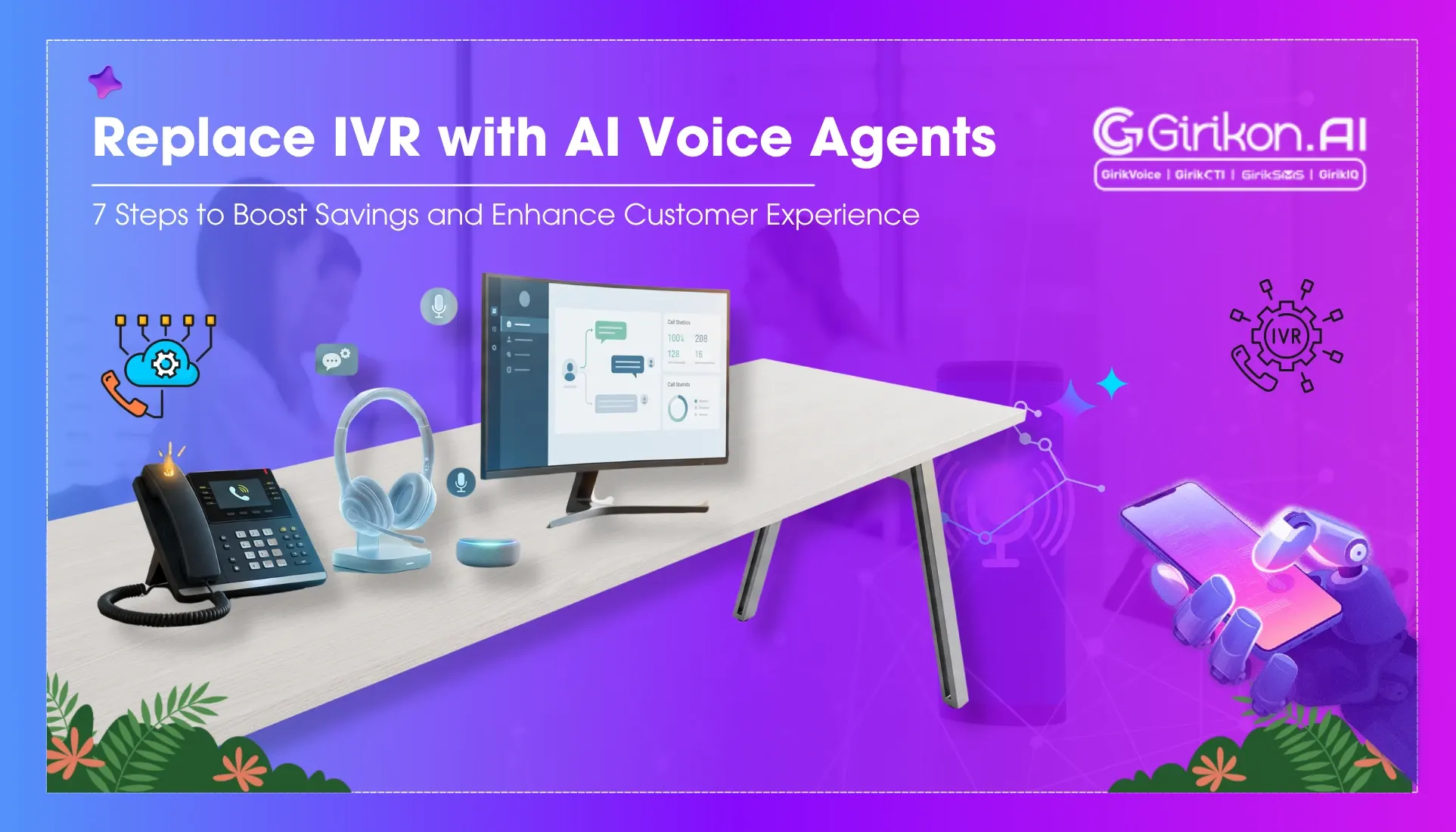
Learn how to replace outdated IVR systems with AI Voice Agents through a practical 7-step migration checklist. Discover how Voice AI can reduce wait times, automate routine inquiries, improve customer experiences, integrate with core systems, and scale support more effectively.
- 1Replace traditional IVR systems with AI voice agents to meet modern customer expectations for faster, more interactive support, preventing CSAT score drops.
- 2Automate routine queries with AI voice agents, freeing up human agents for complex issues and reducing overall workload.
- 3Audit current IVR performance to identify issues and define clear business goals before migrating to AI voice to ensure a successful transition.
- 4Redesign call flows around customer intent rather than rigid menu structures, and integrate AI voice agents securely with core systems for personalized, real-time responses.
- 5Conduct a controlled pilot program before a full rollout to identify and resolve potential issues, and gradually scale the AI voice solution while training support teams.
Replace IVR with AI Voice Agents: A Practical Guide to Scalable Customer Support
IVR systems have anchored customer support for decades. They gave organizations a way to handle high call volumes by routing people through a series of preset menus. That worked well enough for its time. It doesn’t work well now because customer expectations have changed. Modern customers expect a faster, smarter and interactive way to reach an agent. They don’t want to be put on hold or like to repeat their issue every time they get transferred. Businesses that haven’t yet done the upgrading from IVR, witness a drop in CSAT score, as customers shift their loyalties to other brands.
The need to replace IVR with AI Voice agent is important because it doesn’t force callers through rigid decision trees. These modern systems analyze natural language, identify intent, and deliver precise responses. Therefore, if your organization also wants to make the switch then follow our IVR replacement checklist for faster resolution times and reduced workload on support teams handling routine inquiries. This blog will also share the benefits of IVR migration and discuss some of the pitfalls you must avoid during IVR migration to Voice AI.
AI Voice Agents vs IVR: Side-by-Side Comparison of Support Models
| Factors | Traditional IVR | AI Voice Agent |
|---|---|---|
| Interaction Style | Fixed menu prompts | Conversational, natural exchanges |
| Resolution Speed | Multiple transfers, longer waits | Quicker responses driven by intent |
| Personalization | Same experience for everyone | Adapts based on history and context |
| Scalability | Depends on predefined workflows | Grows alongside business needs |
| Customer Experience | Often a source of friction | Natural, human-like conversation |
Why Business Need AI Voice Agents?
- Automate handling of routine questions and freeing agents to focus on harder cases.
- Cuts down the menu-navigation time before a customer gets an actual answer.
- Human-like conversations, not scripted, a real shift from typical IVR interactions.
- Generates interaction data for enhancing support processes over time.
- Keeps support available outside business hours, without needing involvement of human agents.
7 Steps for Successful IVR migration to Voice AI: A Step-by-Step Guide
Step 1: Audit Your Current IVR Performance
Start by reviewing your current structure. Pull the numbers: drop rates, how often calls get bounced to a transfer, average resolution time. Identifying these gaps or issues ensure that the migration resolves them, rather amplifying them. The step also lets you know how the platform has been performing and where changes are needed first.
Step 2: Define Business Goals
Understand the why behind upgrading from IVR: Cost reduction? Faster resolutions? Better retention? Different companies land on different answers, but you need to know your objectives before you go further. If the goal isn't clear, then when it gets to the time of analysing the performance you won't have any real merit in deciding whether the migration was a success or not.
Step 3: Choose the Right AI Voice Platform
Before selecting any Voice agent, ask solid questions. They should be about language recognition accuracy, how well the platform integrates with what you already run, and whether it can scale as call volume grows. It’s also essential to find out if the vendor has worked with companies like yours before, not just companies in general. Do a cost analysis but don’t let it override the bigger question of whether this platform can grow with your business.
Step 4: Redesign Call Flows Around Customer Intent
Don’t just copy your old IVR menu structure into the new system. It won’t work like before because it isn’t the same system. IVR follows rigid decision trees. AI Voice Agents listen for what a customer actually means, in real time, and respond to that. Also, include your first-call agents to understand: what the customer is trying to accomplish? Then change your design thinking by stopping mapping menu options and starting mapping tasks.
Step 5: Connect Securely to Core Systems
AI voice agents cannot operate alone. It needs to be integrated with CRM, ERP, and other key systems, for real-time, personalized responses. The agents should also follow industry standards for encryption, audit trails and GDPR/HIPAA compliance. Overlook the safeguards and build an advanced looking system that doesn't work in meeting real-world demands.
Step 6: Run a Controlled Pilot Program
Don’t launch everywhere at once. Pick a smaller group first, or a narrow set of use cases, and run the roll out there. Observe the process to check key metrics like resolution rates, escalations spike, how conversations unfold, and customer feedback. Pilots expose problems that are initially missed by internal testing, no matter how thorough that testing was. Resolving issues in small-scale testing is always safer than confronting them after launch.
Step 7: Train Teams and Scale Gradually
Your support team’s day-to-day changes here, and it’s worth preparing them for that. When routine calls are managed by AI voice agents, your team has more time to focus their attention on complex cases, the ones that need a person’s judgment. Avoid introducing the new platform to everyone in the team at once. Expand migration stage wise instead, to enable identification of problems at an early stage and maintain the quality of service. And keep checking in along the way, this phase tends to need adjusting more than people expect.
Common Pitfalls When Upgrading from IVR
- Going for replacement without first understanding how the current structure performs.
- Picking a platform mainly on price, without weighing long-term capability.
- Building conversation flows without ever discussing with support staff.
- Underestimating how much work backend integration actually takes.
- Scaling up before a pilot has proven the platform works.
Wrapping It Up
Businesses must understand that to replace IVR with an AI Voice agent, they need to go beyond treating the process more than just a tech upgrade. It enriches your entire business process, from improving customer interactions to easing strain on operations and enabling support teams to manage it at scale. This is why you must follow a structured IVR replacement checklist. When followed, provides not only a safer rollout but also a long-term foundation for customer support that grows with your business.