Fifteen ready-to-adapt automated SMS templates for sales, service, scheduling and renewals, each paired with the Salesforce trigger that sends it.
Every business wants to hit the mark, where text messages reach their customers at the right time and feel exclusive. Not just bulk messages, but the ones that are much needed even before the recipients notice them. The contact assumed a person noticed and reached out. In most cases, a Salesforce workflow noticed and a template sent itself. And it is right here at the intersection of the personal and the automated that great SMS content can be found. The fifteen automated text message examples below bridge the gap in each of the situations that the Salesforce team will encounter, from the very beginning to the very end.
Why Salesforce Requires Templates for Automated SMS
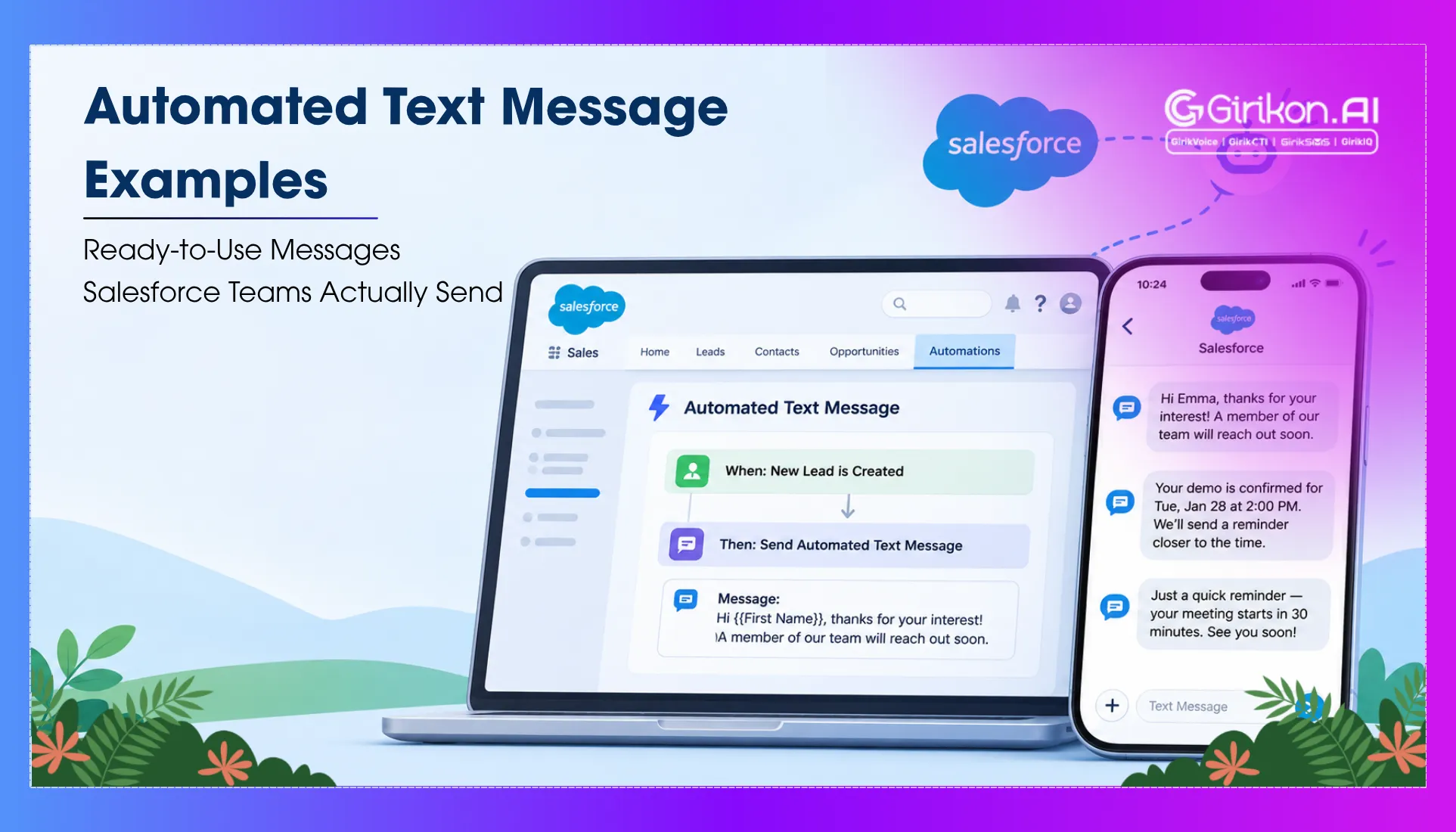
Automation looks after logic — when to send, who to send to. The message takes care of words — what actually arrives on the contact’s phone. That second thing is a Messaging Template, and it exists as its own record in Salesforce Setup. The automation calls on it when a trigger condition is met.
The automation handles timing and targeting. The template handles words. Change the template and every automation referencing it immediately sends the updated version — without touching a single workflow. As a result, teams with compliance reviews or legal sign-off on message content handle copy through templates rather than inside the automations themselves.
Merge fields handle personalization. These are field references written directly into the template body — when the message fires, each reference resolves to real data from the triggering Salesforce record. A first name from the Contact. A case number from the Case. A contract end date from the Contract. The message arrives specific because it was assembled from specific data. External apps like GirikSMS follow the same principle for copy and logic. The tool changes. The principle does not.
15 Automated Text Message Templates in Salesforce: Sales and Leads
New Inbound Lead Response
Fresh leads require extra effort and quick responses. It is fired via Flow when a Lead is created via web, setting an instant human expectation without false promises.
“Hi [First Name], received your enquiry — [Rep Name] from [Company] will reach you within an hour. Any questions before then? Just reply here.”
Post-Demo Follow-Up
Once a demo is done, the deal either moves or goes quiet. This fires when an Opportunity Stage moves to Proposal/Price Quote and keeps the momentum going while the meeting is still fresh.
“[First Name], good speaking today. Your proposal is heading to [Email] now. Want to walk through it together? Book a time here: [Link]”
Quote Expiry Reminder
Proposals go cold when no one follows up before the deadline. This fires 48 hours before the Opportunity Close Date when Stage is still Proposal Sent — giving the rep a chance to re-engage before the window closes.
“Hi [First Name], your quote for [Opportunity Name] will expire within 48 hours. Questions before it does? Ask our team.”
Deal Gone Quiet
No activity on an open Opportunity for two weeks is a signal, not a coincidence. If there is no activity logged in the last 14 days or the stage is not yet closed, this message is fired from a scheduled Flow checking in with the customer.
“[First Name], exploring more possibilities for [Opportunity Name]? Happy to revisit the proposal if something has changed.”
Closed Won Welcome
When an opportunity closes, the actual client relationship begins. This message is triggered when an opportunity stage is updated to Closed Won so the customer knows the next steps in advance.
“Welcome to [Company], [First Name]. [CSM Name] will reach out within 24 hours to get you started. Looking forward to working with you.”
Customer Service Automated Text Message Examples
Case Opened Confirmation
Customers who submit a support request and hear nothing assume it disappeared. This fires on Case creation and immediately confirms the request was received, with a case number they can reference.
“Hi [First Name], your case [Case Number] is being processed. We will keep you updated here. Need to add anything? Just reply.”
Case Assigned to Agent
A case sitting in a queue feels like a ticket in a void. The moment it moves to a named agent is the first time the customer has evidence that a real person is involved. This fires when Case Owner changes from a queue record to a user record.
“[First Name], [Agent Name] is now handling your case [Case Number] and will be in touch shortly. Reply here if you have updates to add.”
Case Resolved
Failure to notify the client that their case is closed means that the client will have to follow up. This SMS fires as soon as a case is resolved.
“Your case [Case Number] is resolved, [First Name]. If anything else comes up, reply here or call [Number] directly.”
CSAT Survey Prompt
Feedback after resolution works best when provided while the event is still recent. This fires two hours after Case Status = Closed, giving the customer time to process before asking for a rating.
“How did we do, [First Name]? Rate your experience with [Company]: reply 1 (poor) to 5 (excellent). Takes 10 seconds and goes straight to our team.”
Appointment and Scheduling Text Message Examples
Appointment Confirmation
Most booking confirmations just confirm. This confirmation message lets receivers reschedule their appointment by directly replying in the same message, if needed. This does not require either of the parties to engage in a conversation to deliver the said changes. This fires when an Appointment record is created.
“[First Name], we’ve saved a spot for you on [Date] at [Time]. Add to calendar: [Link]. Reply RESCHEDULE if plans change.”
24-Hour Reminder
The day-before reminder is the message most teams mean to send and most often forget. This one goes out automatically, timed to the appointment date and time already stored in Salesforce — 24 hours before, without anyone manually triggering it.
“Just a heads up, [First Name]: [Rep Name] is expecting you tomorrow at [Time]. Location: [Address]. Any questions? Reply here.”
Post-Appointment Follow-Up
An appointment should always be followed up. This fires one hour after Appointment Status = Completed with a summary link and a single clear next step.
“Thanks for coming in today, [First Name]. Here is the summary from our conversation: [Link]. Ready to move forward? Reply and we will get things going.”
Retention and Renewal Text Message Examples
Renewal Early Notice
The renewal discussions should take place 60 days before expiration. The trigger is set off by a scheduled Flow if there is no Renewal Opportunity created and 60 days before the contract ends.
“[First Name], your [Product] subscription renews on [Date]. [Rep Name] will be in touch this week. Questions before then? Reply here.”
Urgent Renewal Reminder
It is a real risk when the contract ends within 7 days, but there is no renewal in process. This message triggers exactly 7 days before the contract expiration date and seeks an immediate response.
“[First Name], one week before your [Product] contract wraps up. Reply YES and we will send your renewal options today — no disruption to your service.”
Payment Failed
A failed payment can turn into a churn incident. This fires when Payment Status changes to Failed in Salesforce, while the customer is still likely to have their payment details on hand.
“Hi [First Name], we hit a problem processing payment for [Invoice Number]. Fix it here in about two minutes: [Link]. Something else going on? Reply and we will help.”
Conclusion: Automated SMS That Arrives First
Good automated SMS does one thing consistently — it arrives when the contact has a reason to care and says something only possible because the sender knew the context. Every template in this piece is built on a Salesforce record that already holds that context. Use it. Because a personalised text message sent via your CRM at precisely the right commercial moment doesn’t require any clever writing. It requires being there first more than anything.
Send These Texts Straight from Salesforce
See how GirikSMS turns Salesforce records into timely, personalized texts.