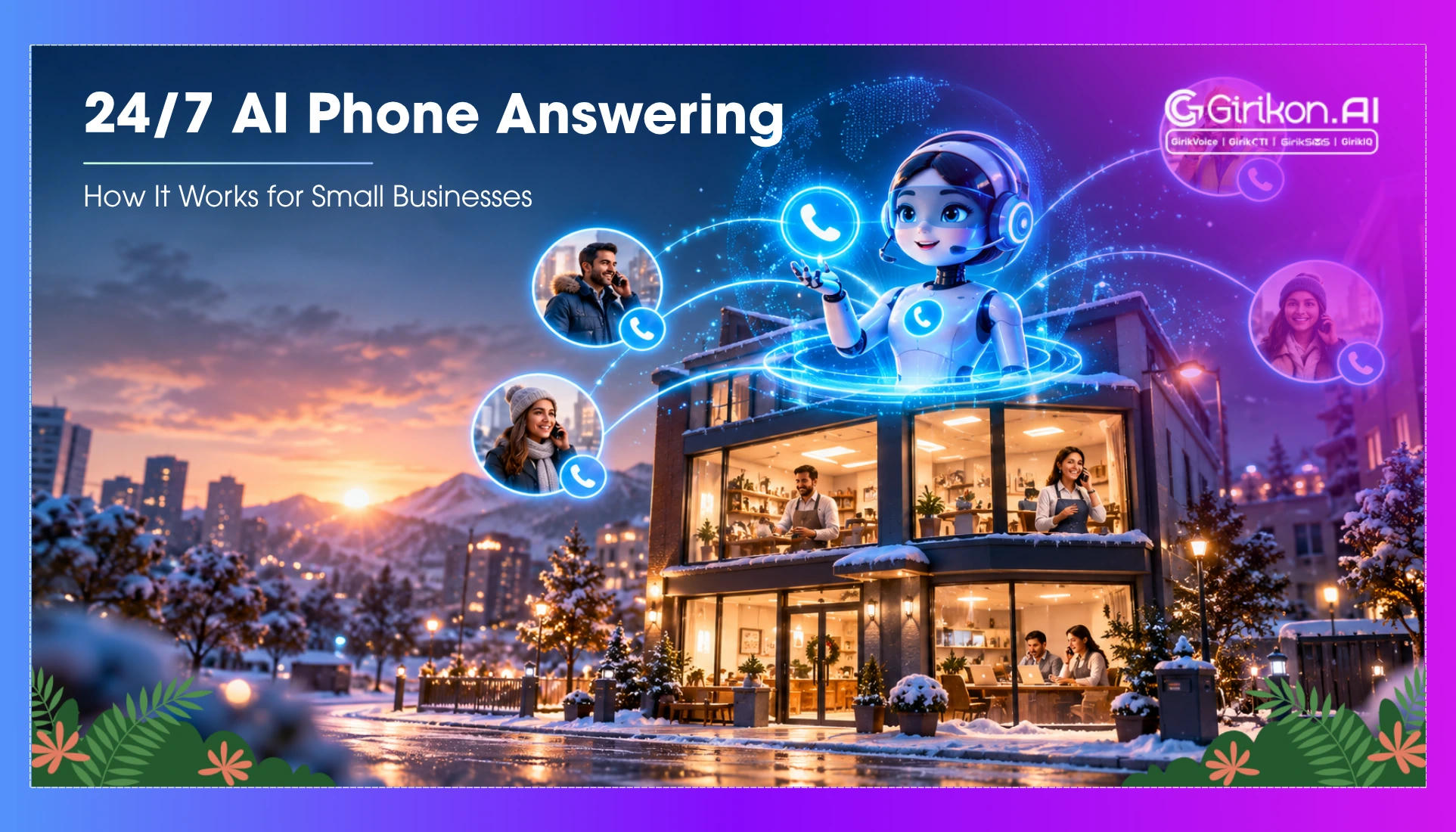
This blog explains how 24/7 AI phone answering helps small businesses handle missed calls, respond to customers after hours, and book appointments automatically.
Most small businesses lose customers not because the product is wrong or the pricing is off, but because nobody picked up the phone. Which sounds almost too simple to be the real problem. And yet. The AI calling agent for small businesses showed up because that gap - the missed call at 9pm, the voicemail nobody got around to, the inquiry that went completely cold over a long weekend - turns out to be one of the more stubborn revenue leaks in independent business. Not glamorous. Not complicated. Just hard to plug with human staffing when the hours don't line up.
Why the Phones-Go-Dark Problem Is Worse Than It Looks
Most small business owners file after-hours missed calls under "annoying but fine." Which, look, used to be a defensible position. Customers once had a certain tolerance for the callback dance. That tolerance is largely gone now, and it didn't leave gradually.
So what actually happens in practice: somebody searches for a plumber at 10:30 at night, pulls up three results, calls the first one - voicemail. Calls the second - voicemail again. Calls the third, and a person picks up. That's who gets the job. Doesn't matter that the first two had better reviews, or more experience, or whatever else. They just weren't reachable when it mattered, and that was that.
Worth noting: this isn't a problem that hiring a part-time receptionist solves. The economics don't work, the coverage is still inconsistent, and the quality of the interaction depends entirely on who you happened to hire that week.
AI Calling Agent - The Architecture Underneath
It's useful to understand what modern AI phone answering actually is before getting into what it does well and where it runs into trouble. Those earlier systems were, at their core, nothing more than voicemail trees with a layer of scripted responses bolted on top. They could catch a few dozen phrases if you were lucky, read back whatever was in the script, and the whole thing would fall apart the second a caller went slightly off-road. Which callers do. Constantly.
The current generation runs on large language models paired with voice synthesis and speech recognition - and the practical effect of that is a system that can actually handle the messy, nonlinear way people talk on the phone. Interruptions, course corrections mid-sentence, questions nobody thought to pre-program answers for. A caller who changes what they're asking three times in ninety seconds isn't going to break it.
That's a genuinely different thing from what IVR was doing, and honestly comparing the two does a disservice to both.
Here's roughly how a configured system works for a small business:
1. A call comes in outside business hours (or during peak periods when staff are occupied). The AI answers within a couple of rings, using a voice and greeting configured by the business owner.
2. The system identifies caller intent through conversation - not keyword matching - and routes accordingly. Appointment bookings go one way. Urgent service calls go another. General inquiries get handled on the spot or logged for follow-up, depending on what the business has actually told the system to do with them.
3. Where the platform supports it, the system talks to the business's calendar or booking tool in real time and locks in appointments without anyone on staff having to do anything.
4. A summary of the call - what was said, what was requested, what action was taken - is sent to the business owner or team lead, usually by text or email.
The failure mode worth naming here is the handoff. Systems that can't gracefully recognize when a conversation has exceeded their capability and needs a human tend to frustrate callers rather than retain them. The better implementations have a clear escalation path. The cheaper ones often don't.
What Actually Changes for Day-to-Day Operations
| Scenario | Without AI Answering | With AI Answering |
|---|---|---|
| After-hours inquiry. | Caller leaves voicemail or abandons. | Call handled, intent captured, follow-up logged. |
| Peak-hour overflow. | Hold times increase, some callers hang up. | Overflow answered immediately. |
| Appointment booking. | Requires staff availability. | Booked directly into calendar in real time. |
| Urgent service call. | Missed until next business day. | Flagged immediately and routed to on-call contact. |
| Call logging. | Dependent on whoever answered. | Automatic summary sent after every call. |
The booking row in the table above is the one that tends to resolve the ROI conversation fastest for service businesses. Why? Because the conversion happens at the moment of intent rather than at the moment a human is available. Those two moments don't always overlap, and that gap is where revenue disappears.
Making It Work Inside a Small Business That Has No Dedicated Tech Support
Honestly, the implementation question is where a lot of small business owners get stuck, and understandably so. The failure mode most small business owners run into before they even get started is a reasonable but outdated belief: that standing up something like this demands either a technical background, a dedicated IT department, or at the very least several weeks of painstaking configuration work before anything functions reliably.
Most of the current platforms are designed to be set up without any of that, though the degree to which that's actually true varies by provider.
The AI voice agent for small businesses category has gotten to the point where most of the reputable platforms can walk you through onboarding - business hours, call routing logic, voice selection, basic FAQ responses - in a few hours, not a few days. The stuff that takes more thought is the edge cases: the call about something genuinely weird, the angry or confused caller who doesn't fit the script, what the system is actually supposed to do when a situation outgrows it.
That's not a reason to avoid the technology. It's just a reason to put in more than the minimum effort the vendor's tutorial is designed to make you think is enough.
The Honest Case for Using One - and the Honest Case for Caution
The businesses that get the most out of AI phone answering tend to have a few things in common. High inbound call volume relative to how many people are actually there to answer. Caller intents that are mostly predictable - appointments, pricing, availability, that kind of thing. A customer base that wants a fast response and isn't looking for a long conversation.
The businesses where it creates friction are usually the ones where calls are inherently complex, where the relationship dimension of the conversation matters a lot, or where the caller population is less comfortable with automated systems. A therapist's practice and a locksmith's dispatch line are just fundamentally different environments. Voice AI configuration helps, but it doesn't close that kind of gap - not really, not no matter how much time you spend tuning it.
- Who benefits most: Service businesses with appointment-based models, meaningful call volume in the evenings or on weekends, and office staff that are already stretched thin when they're actually there.
- Who should configure carefully: Businesses where the relationship starts forming during that first phone call - where a human voice isn't incidental but load-bearing - or where the range of incoming calls is unpredictable enough that building for them in advance is more or less impossible.
- Who should probably start slow: Any business with a customer base that has shown frustration with automated systems in the past - test on after-hours traffic first before replacing daytime human coverage.
AI Calling Agents as Infrastructure, Not a Feature
The framing that tends to stick with small business owners who've made this work is that an AI phone answering system isn't a feature you switch on - it's closer to infrastructure you design. The businesses treating it like a checkbox, something to deploy and forget, tend to get mediocre results and occasionally create caller experiences that do genuine damage to their reputation.
The ones that configure it thoughtfully, revisit the call logs, adjust the routing as they learn what callers actually ask, and treat it as a live operational system - those tend to find it pays for itself faster than they expected.
The technology is genuinely useful. It is also not finished evolving, and the gap between the best implementations and the average ones is wider than most vendor comparisons would suggest. Where that gap closes, and how fast, is the question the industry is still working through.