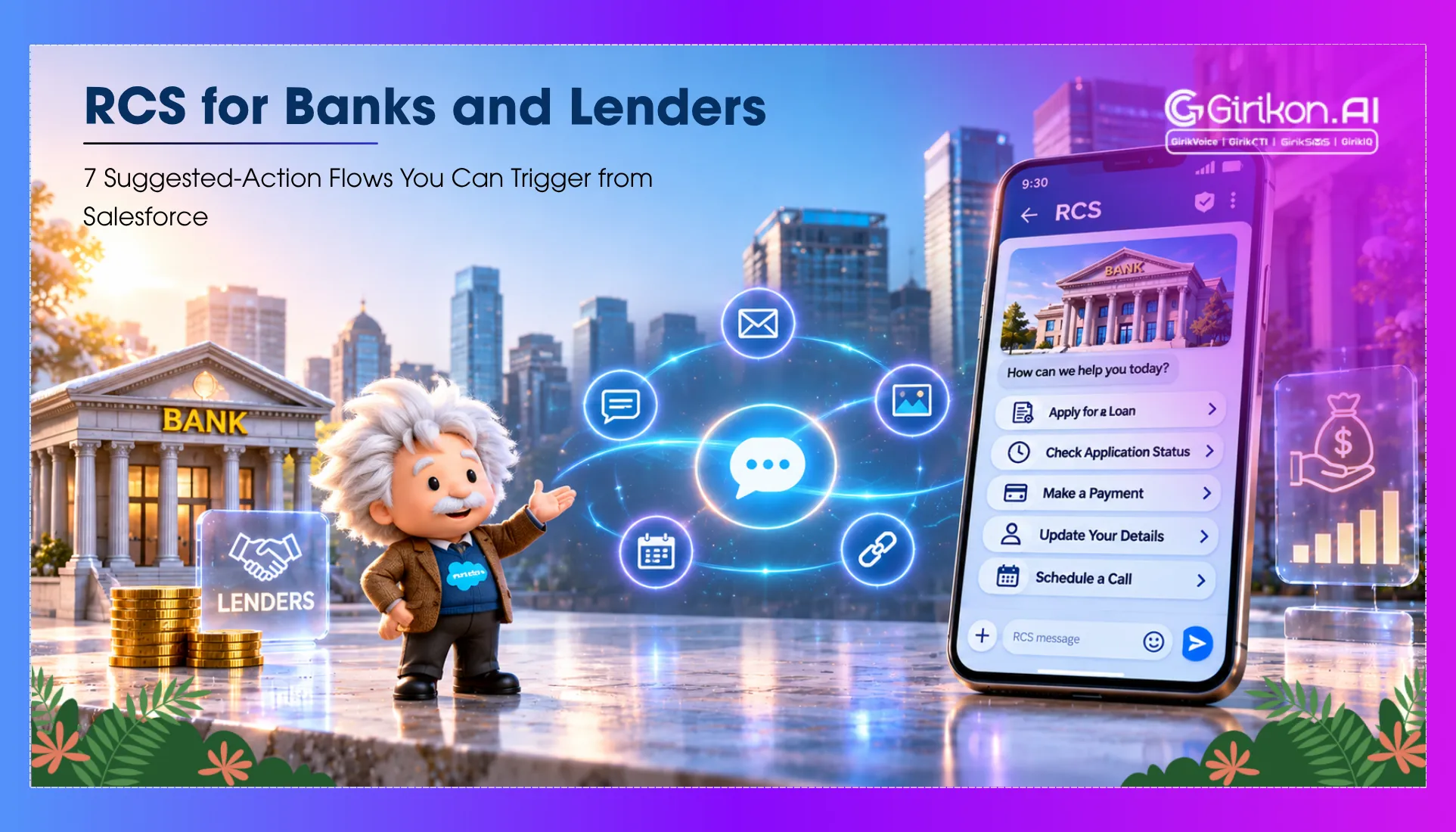
Seven RCS suggested-action flows banks and lenders can trigger from Salesforce Financial Services Cloud, with sample messages and buttons for each.
Nowadays, banks and lenders find themselves fielding hundreds of routine customer conversations each day. Whether it's payment notices, document collection, loan statuses, or service inquiries, they are required to manage an absolutely staggering volume of interactions. Conventional SMS can provide alerts, but the road to progress has many routes that can leave customers jumping to a website or into the landline.
Here's how RCS makes it more actionable. Using interactive buttons, branded messaging, rich media, and suggested replies, RCS for financial services enables banks to walk consumers through typical banking transactions in the messaging app.
When integrated with Salesforce Financial Services Cloud, RCS enables customer communication workflows initiated by customer records, CRM events, and service events. Here are seven RCS suggested action button flows that banks and lenders can trigger from Salesforce.
7 RCS Suggested Action Button Flows Banks Can Trigger from Salesforce
The usage of RCS messaging for banks is to embed verified business profiles, suggested actions, branded message, rich card, RCS chips etc. that take customers directly to a specified action such as a call to support number, open a payment page etc.
Here is how RCS suggested action button flows for banks work from Salesforce.
Loan Payment Reminder
The conventional SMS reminders notify customers about impending dues, although they will have to find ways of making the payment themselves. The RCS payment reminders can facilitate the process through interactive buttons, where instead of sending the regular payment reminder, the bank can send the RCS message with interactive buttons like View Statement, Pay Now, and Contact Support.
This message can be triggered based on loan due date, customer record, and payment status from Salesforce. By clicking Pay Now, customers can be directed to a secured payment page, and by clicking View Loan Details, they can be directed to an authenticated account portal. This, in turn, will minimize any unnecessary steps in the payment process.
Document Collection and Verification
Proofs of income, Documents of ID, Proofs of address and other supported documents are often needed when banks and lenders process loans and when potential borrowers get on board. RCS eliminates headaches from document gathering by adding call-to-actions such as View Requirements, Contact Support, Upload Document, etc., in notifications.
Salesforce may trigger these messages when a document is missing or not verified. This notification decreases the processing time and notifies the customer about what is required.
Booking Appointment with Relationship Managers
Customer has to discuss or clarify regarding banking advisor, relationship manager about investments, loans, account service, financial products, etc., RCS has made it easy for them to book an appointment by taking them directly to the link 'Book Appointment', 'View Available Services' and 'Request for Callback'.
Based on service cases, customer inquiries, or scheduled relationship management activities, Salesforce can trigger these messages. Also, the appointment button can navigate to a Salesforce connected scheduling page, allowing customers to select an available time slot. This helps banks coordinate customer interactions while reducing manual appointment scheduling.
Payment Confirmation and Transaction Support
Customers expect confirmation and easy access to transaction information after completing a payment. RCS can provide transaction-related notifications with buttons that help customers take the next step.
For example, RCS verified sender banking message for payment confirmation can look like “your loan payment has been successfully received. You can view your payment details or download the transaction receipt.”
With suggested actions, like View Receipt, Get Support, and Access Loan Account.
Providing such interactions helps banks ensure that customers get convenient access to payment information while they manage post-payment service requests.
Credit Card Activation and Service Requests
Some Customers may have just received their new credit cards and may require help with the following: Card Activation. Card services. PIN generation.
Therefore, instead of long instructions being delivered through SMS, banks can provide options for the user through RCS with message,
“Your new credit card is ready. Complete the activation process to start using your card.”
And suggested actions, like:
- Activate Card
- View Card Benefits
- Get Assistance
Salesforce can trigger this communication when a card issuance or delivery milestone is recorded.
Loan Application Status Update
All customers who apply for personal loans, home loans, and other credit products expect regular information regarding the approval status of their application. Repeatedly contacting customer support to check application progress may create additional work for both bank employees and customers.
Luckily, lenders are able to provide application status alerts with applicable "next step" buttons through rich communication services fintech apps.
Example message:
Your personal loan application is currently under review. We will alert you when the next update is here. For this message, buttons for follow up may look like track application, contact advisor, upload documents, etc.
A change in an application status can trigger the Salesforce Financial Services Cloud messaging workflows, allowing the customer to access the application portal and complete the application without having to look for the correct bank website.
KYC Updates and Account Verification
As part of their daily banking operations, financial institutions may be required to constantly request customers to update, supply supplementary information, and get verified.
RCS can make these requests easier to understand and act upon. Here is an example of the sample message with suggested action:
Your account requires a KYC update. Please review your information and complete the verification process through our official banking portal.
Appropriate actions:
- Update KYC
- Contact Bank
- View Requirements
Banks should help customers communicate with them through only official and verified channels. More sensitive information like account information and verification documents must not be exchanged through this unsecured communication mode.
Conclusion: Make Banking Messages Actionable with RCS
Through integrating RCS suggested actions with Salesforce, financial institutions can make the process of loan updates, payment reminders, customer support, KYC verification, among others, easier. With verified interactive buttons and sender profiles, banks can make all their communications more actionable. Interested in incorporating interactive RCS messaging into your banking workflows? Explore GirikSMS to simplify and enhance your customer communication.
Add RCS Button Flows to Your Banking Workflows
See how GirikSMS brings interactive messaging into Salesforce.