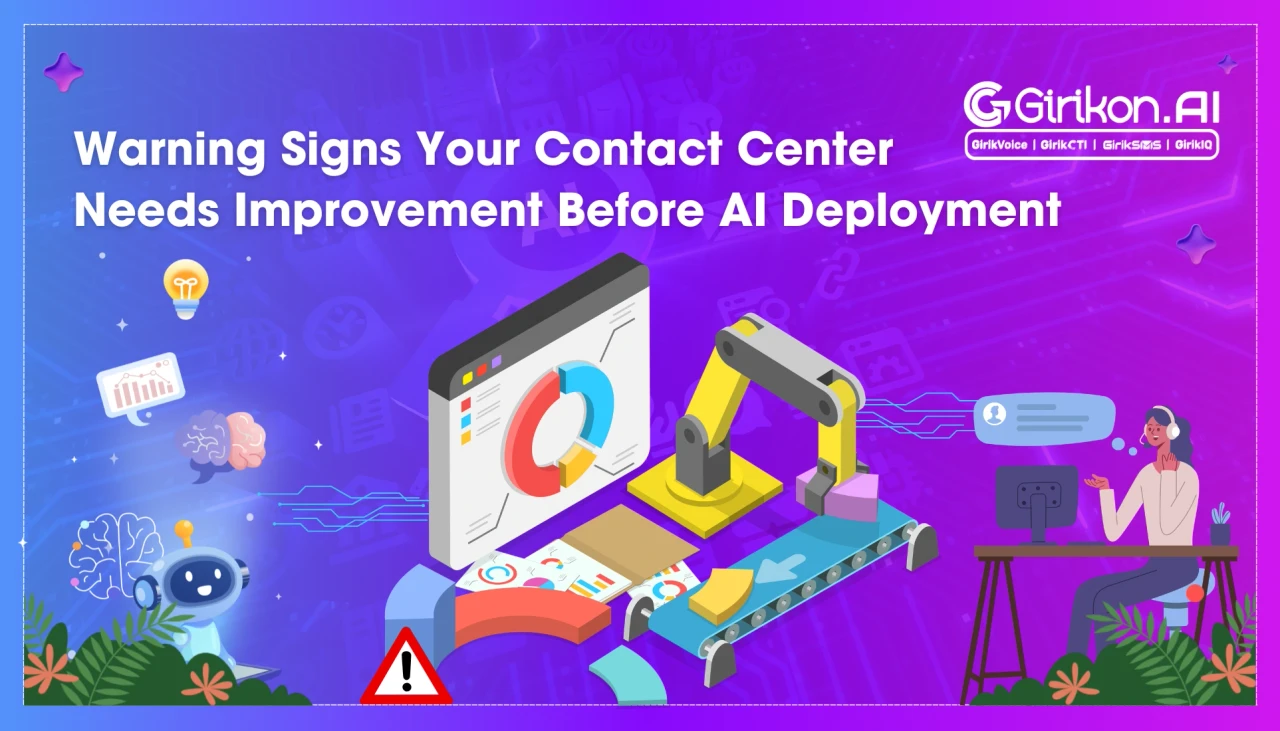
Is your contact center truly AI-ready? Discover the key warning signs that could derail your AI adoption in 2026—from poor data quality to outdated workflows—and learn what to fix before investing in AI.
- 1Assess your contact center's AI readiness by ensuring reliable customer data, consistent processes, integrated systems, and defined workflows before implementing AI.
- 2Consolidate scattered customer data across multiple systems into a single source to prevent fragmented information and ensure AI provides consistent responses.
- 3Streamline manual and repetitive tasks by documenting and defining workflows before AI implementation to avoid scaling existing inefficiencies.
- 4Centralize and organize all relevant information into a single, accessible knowledge base to reduce agent search time and maximize AI's impact on problem-solving.
- 5Standardize customer service workflows across all teams to ensure consistency in call routing, ticket categorization, and case resolutions, enabling AI to deliver reliable automation.
Faster response times, lower operating costs, and intelligent call routing are priorities for many contact centers. To achieve these goals, organizations often rely on AI, but if there is no proper strategy or process before implementing AI technology, there are going to be consequences.
That brings us to one important question: Is my contact center ready for AI?
This blog covers the biggest warning signs that indicate your organization isn't ready to leverage AI capabilities effectively. Think of it as an AI readiness checklist for call centers to determine their status in 2026.
What Does Contact Center AI Readiness Really Mean
Contact center AI readiness refers to assessing an organization's level of preparedness to adopt (or integrate) AI technologies into their customer service operations.
In other words, having reliable customer data, consistent processes, integrated systems, and defined workflows are essential for AI to deliver meaningful results.
AI acts as an enabler. When existing business operations are efficient, integrating AI can boost agents' productivity by automating repetitive tasks and improving customers' experience.
But if any organization is running a contact center with disconnected systems or implementing manual processes -- AI will scale those inefficiencies.
So, before spending money on AI-based virtual agents or automation tools, organizations need to ensure that their basic processes are ready.
The following AI readiness checklist for call centers is designed to help business leaders identify and address gaps.
Top 8 Signs Your Contact Center Isn't Ready for AI Yet
Knowing about AI readiness and assessing your own contact center are two different things. If any of these scenarios look familiar, organizations first need to strengthen their operations before embarking on an AI journey. These warning signs don't mean businesses shouldn't consider AI---they simply indicate that the right strategies and foundations need to be planned first.
Building this operational readiness also prepares organizations for the future of contact centers with Salesforce CTI, where AI-powered automation, seamless integrations, and enhanced customer experiences can deliver maximum value.
- Customer Data is Scattered Across Multiple Systems AI would be useful for customer service agents only if it has access to customer data. If agents are switching between different CRM tools, spreadsheets, or ticketing systems, an AI tool will have fragmented information, resulting in inconsistent responses or recommendations. This fragmentation can lead to poor customer experiences. Imagine if your sales team has current info on a customer account, but another department uses out-of-date records -- the sales team will ask the same set of questions repeatedly and receive incorrect answers.
- Processes Are Still Manual If your agents are manually performing tasks such as updating records, transferring calls, creating tickets, searching through various knowledge sources, or managing automated calling campaigns, then businesses won't see much of an impact from AI implementation. Before implementing AI, evaluate whether there are repetitive workflows that can be streamlined with the help of this advanced technology. AI works best when businesses define workflows in a well-structured and documented manner, enabling processes like automated calling campaigns to run more efficiently while reducing manual effort.
- Agents Spen More Time Searching Than Assisting Customers. A significant challenge that holds back contact center agent productivity is how much time employees spend searching for information instead of solving problems for customers. Constantly switching between different sources like product manuals, policies, internal knowledge bases, etc., will never be eliminated by artificial intelligence (AI) working alone. To maximize AI's impact on efficiency, companies need to have a single, centrally managed knowledge base with current and organized content. When information is accessible, AI tools offer answers and enable call center agents to quickly solve issues while offering consistently good experiences to callers.
- Customer Service Workflows Lack Consistency AI is trained in existing business processes. If agents have different processes for dealing with the same customer inquiry, automation becomes problematic and inconsistent. This includes inconsistencies in call routing, ticket categorization, escalation procedures, and case resolutions. These processes differ across various teams that make it difficult for both agents and AI to deliver consistent customer experience.
- Businesses Don't Have Meaningful Performance Metrics There are many organizations that track some simple KPIs like call volume or average handle time. However, this information will not be enough when it comes to measuring a value about how much value an organization gets from using AI in its contact center. To measure AI's impact, organizations should establish specific performance metrics like first call resolution, customer satisfaction rate, agent efficiency, transfers, and response time before implementing any innovations.
- Existing Technology Doesn't Work Together Disconnected technology can create operational silos, limiting AI's potential impact. Business CRM, communication channels, telephony platform, and workforce management are not connected to each other -- creating gaps where AI lacks the complete context required for customer engagement analysis. Businesses evaluating Salesforce AI contact center readiness should ensure communication software and CRM (or other business systems) are working together -- otherwise data will be siloed.
- Employees Aren't Prepared to Work Alongside AI Integrating AI in business workflows can be really helpful but only when customer service agents are familiar with new ways of working. In other terms, organizations' success is measured when AI technology is seen as a productivity tool and not an alternative for human skills. Customer service agents must get proper training, guidance, and confidence to work alongside AI. At the same time, organizations must clearly communicate AI's role and offer constant support during the implementation process.
- Implementing AI Without Clear Business Goals Many organizations invest in AI just because they want to go with the trend and not actually identify certain business challenges the technology can solve. That is why businesses should clearly define their goals, such as first-call resolution or reducing average call handling time. In short, AI integration can become a long-term business asset if businesses have created well-defined and effective strategies.
The Bottom Line
What does an ideal list of checklists look like? There's no universal or proven checklist. Determining whether a company's customer service center is ready for AI depends on its existing operations, technology environment, data quality, and employees' readiness to adopt AI-powered solutions such as a Salesforce AI voice Agent.
If an organization unleashes the potential of AI, it has to have an integrated data system, unified processes, and be able to measure the goals it has achieved in business, at the same time having workers that are ready to work in the new environment.