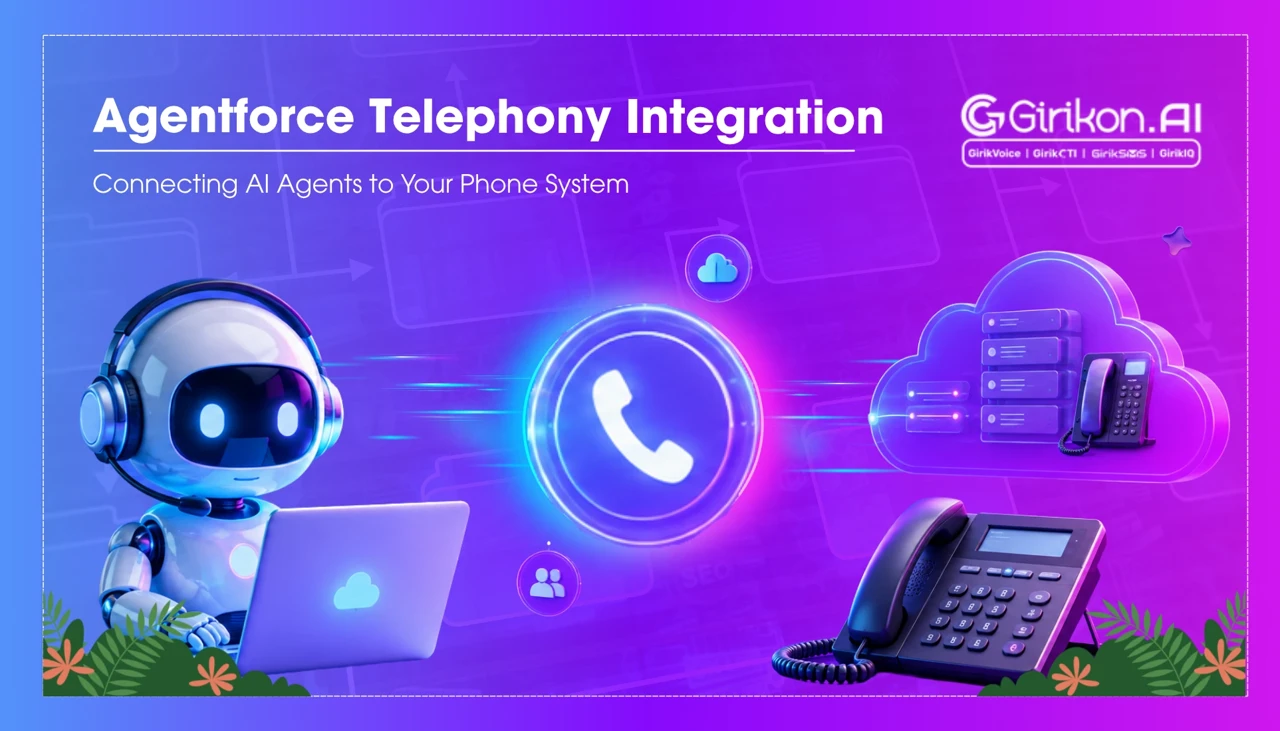
Discover how Agentforce Telephony Integration connects CTI agents with your existing phone system to streamline customer interactions, improve call handling, and create a more intelligent, connected contact center experience.
- 1Modernize voice channels without replacing existing PBX or carrier contracts by integrating AI-powered voice capabilities through Agentforce.
- 2Leverage Salesforce Open CTI to surface call controls within the Salesforce interface, eliminating the need for agents to switch between systems.
- 3Prepare for increased configuration work when adding AI agents, as legacy CTI connectors may struggle with the expanded data flow required for real-time AI actions and context transfer.
- 4Understand that traditional CTI integrations, while functional for basic tasks, often need extension or replacement to support the complex, bidirectional data flow required by AI agents.
- 5Prioritize voice channel configuration, as it is frequently underestimated and crucial for the seamless operation of AI-powered voice agents during live calls.
Most phone systems inside mid-to-large contact centers have been layered over, patched, and extended so many times that nobody fully trusts them anymore—but nobody wants to replace them either. That's the actual starting point for most Agentforce deployments, and it's worth naming directly before getting into architecture. Salesforce CTI agents, Salesforce CTI agents with voice, and Agentforce CTI agents are increasingly central to how organizations are trying to modernize the voice channel without ripping out the PBX or the carrier contracts that took years to negotiate. Agentforce telephony integration provides a practical path for connecting AI-powered voice capabilities with these existing telephony environments. The gap between "we want AI-assisted voice" and "we have a Cisco system from 2017 and three contact center vendors in three regions" is where most of this work actually lives.
What the Standard CTI Integration Path Actually Looks Like
Salesforce has supported computer-telephony integration through its Open CTI framework for a long time - long enough that there's a well-documented partner ecosystem built around it. Open CTI essentially exposes a JavaScript API that sits inside Salesforce and lets external telephony platforms communicate call events, caller data, and agent status back and forth. What this means in practice is that your existing phone platform - whether it's Genesys, Avaya, Five9, NICE CXone, or any of the other major contact center stacks - can surface call controls directly inside the Salesforce interface without forcing agents to toggle between systems. As AI-powered calling becomes more common, organizations can also evaluate solutions such as the best ai voice agent to automate routine conversations while keeping customer and call data connected to Salesforce. The failure mode this addresses isn't just context-switching. It's the lag time between a call connecting and an agent understanding who they're talking to, which tends to run anywhere from fifteen to forty-five seconds when systems aren't integrated, and which customers notice in ways they don't always articulate but definitely act on.
Anyway, the Open CTI path works reasonably well when you're dealing with a single telephony vendor that has a maintained Salesforce CTI integration. The complication, and it's a genuine one, is that "maintained integration" doesn't mean what it sounds like in a sales conversation. What it usually means, if you dig into it, is that the connector was built against one specific version of the telephony platform and one specific version of Salesforce - two products with completely different release schedules, different ideas about what counts as a priority fix, and support teams that may have never once spoken to each other when something quietly broke after an upgrade.
Where Agentforce Telephony Integration Changes the Calculus
Here's the thing about adding autonomous AI agents to a voice channel that's already running on a patchwork of CTI layers: the integration surface area gets meaningfully larger. Adding Agentforce to an existing telephony setup isn't just about surfacing a screen pop or logging a call - it's about giving an AI agentenough real-time context to take action during a live interaction, which requires tighter data flow than most legacy CTI setups were designed to support.
The practical consequence of this is that teams who assumed their existing Open CTI connector would "just work" with Agentforce have often found themselves doing more configuration work than anticipated, particularly around the handoff logic. When an AI agent is handling an initial interaction and then transferring to a human, the transfer has to carry context - not just the caller's account record, but the conversation history, any intent classifications the AI made, and whatever actions were taken or not taken during the automated portion. Legacy CTI connectors weren't built with that payload in mind.
Worth flagging here: this isn't a knock on older CTI implementations. They did what they were built for - full stop. The problem is that this integration layer is now being asked to carry considerably more information in both directions, and connectors that handled screen pops without complaint may need to be extended, or honestly just replaced, before they can support that kind of bidirectional flow properly.
Voice Channel Configuration - Where the Work Actually Concentrates
If there's one area that tends to get underestimated in pre-deployment scoping conversations, it's the voice channel configuration itself. Consider how agents with voice capabilities actually function during a live call: the agent needs real-time access to the customer record, the ability to trigger Salesforce flows mid-conversation, and some mechanism to pass outputs back to the telephony layer - all without adding latency that degrades the call quality. That's a more demanding technical requirement than it sounds in the architecture diagram.
| Configuration Layer | What It Covers | Common Failure Point |
|---|---|---|
| Open CTI Connector | Call controls, screen pop, agent status | Version drift between telephony and Salesforce releases |
| Data Mapping | Caller ID to CRM record matching | Duplicate records, unmatched numbers, CLID formatting |
| AI Context Payload | Conversation history on handoff | Payload size limits, latency on transfer events |
| Voice Quality / SIP | Audio path between PBX and cloud | NAT traversal, codec mismatches, firewall rules |
| Compliance Logging | Call recording, consent flags | Jurisdiction-specific rules not reflected in default settings |
The SIP and voice quality row in the table above gets treated as an infrastructure team problem in most project plans - and technically it is - but it has a habit of surfacing at the worst possible moment, usually during UAT when everyone else believes the project is nearly done. Codec mismatches between a legacy PBX and a cloud platform are not catastrophic, but resolving them under deadline pressure tends to produce configurations that are "good enough for now" rather than actually optimized.
Choosing Between a Managed CTI Partner and a Native Connection
Honestly, this decision gets more complicated the larger the organization. Salesforce's AppExchange has a reasonable selection of CTI partners - vendors who have built and maintain managed connectors for specific telephony platforms. The case for using one of these is straightforward: someone else is responsible for keeping the connector current, and the integration has typically been tested against more edge cases than an internal team would have time to reproduce. The case against is equally clear in some environments, particularly those with heavy customization or unusual telephony configurations that a managed connector wasn't designed to accommodate.
A few things worth actually thinking through before picking a direction:
- Who owns the integration post-go-live, and what does their SLA look like when something breaks on a Tuesday afternoon with a call queue backing up? That question tends to produce some fairly uncomfortable answers in organizations that have handed off anything time-sensitive to vendor support.
- What is the telephony vendor's roadmap over the next eighteen to twenty-four months? Because if a platform migration is coming, a connector built for the current version could easily need a full rebuild before anyone expected it to.
- How does the organization handle compliance logging, and does the chosen connector have native support for jurisdiction-specific requirements, or does that need to be built separately?
AI-assisted voice agents introduce a fourth consideration that didn't exist in traditional CTI projects: the AI agent's ability to take actions on behalf of a customer during a call creates an audit trail requirement that some legacy logging setups don't support cleanly. This makes Salesforce CTI security and compliance an important consideration to raise early, because retrofitting compliance logging after go-live is significantly messier than building it in from the start.
The Handoff Problem Nobody Talks About Enough
The moment a call moves from an AI-handled interaction to a human agent is where the quality of the integration becomes visible to customers in the most direct way. A clean handoff - where the human agent has full context and the customer doesn't have to repeat themselves - requires the CTI layer, the AI platform, and the CRM record to all update in near-real-time and in the right sequence. When any of those updates lag, the human agent either asks a redundant question or works from incomplete information. Neither is a good outcome, and customers have less tolerance for it in a phone interaction than in most other channels.
This is not some edge case that only shows up in unusual deployments - it's actually the complaint that comes up most often in post-launch reviews of AI-assisted voice projects, and when teams trace it back, it almost always lands on the integration layer rather than anything wrong with the AI model itself. The model did its job fine. The context just didn't make it over in time, or arrived in a format the screen pop had no idea what to do with.
The Realistic State of Where This Is Heading
The trajectory here is toward tighter native integration between Salesforce's AI layer and the major telephony platforms, particularly as AI call center automation becomes a more important part of modern customer service operations. Some vendors are already further along that path than others. But the organizations doing this work today are operating in an environment where "native integration" often means "less custom development than two years ago" rather than "plug and play." The distance between those two descriptions is where most of the project risk lives. Whether that gap closes meaningfully in the next product cycle or continues to require substantial implementation effort from the customer's side is genuinely an open question, and the answer probably varies more by telephony vendor than by anything Salesforce controls directly.