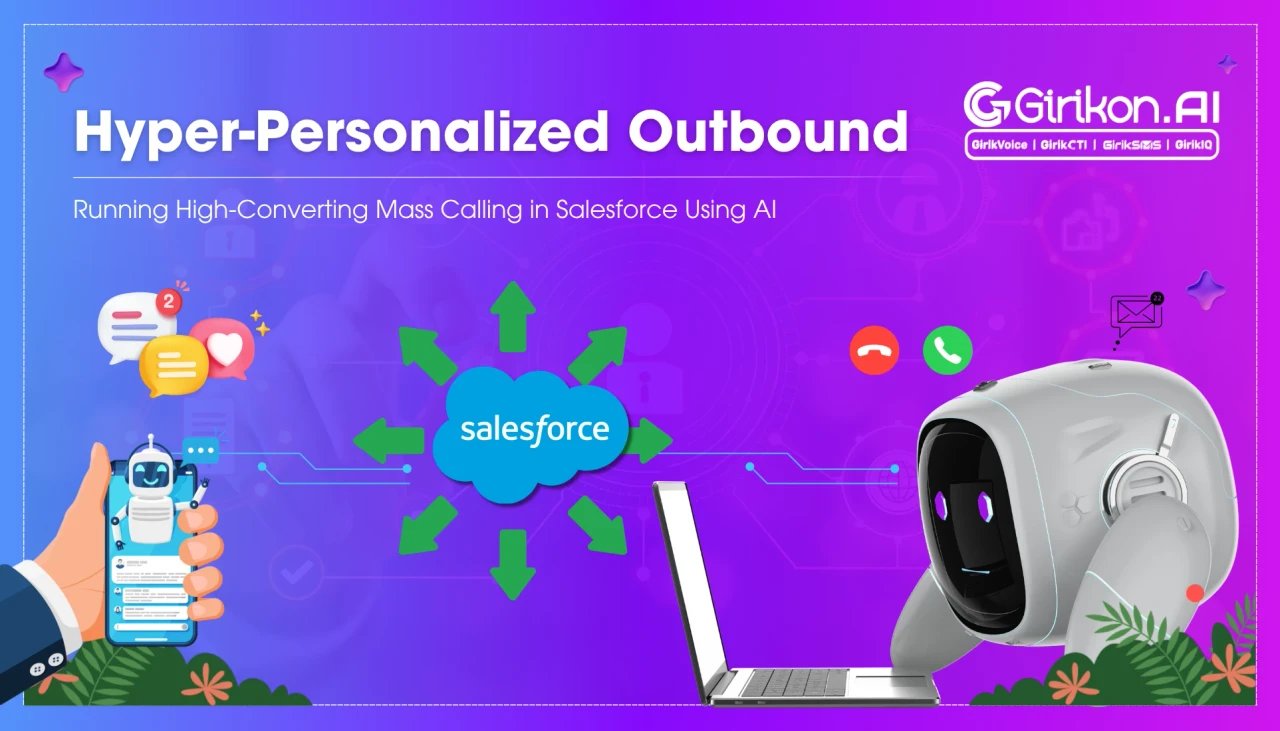
Learn how to run high-impact Salesforce call broadcasting and AI-powered voice blast campaigns to reach thousands of contacts quickly and efficiently. This guide covers campaign setup, Salesforce integration, automation, AI voice capabilities, compliance best practices, and performance tracking to help sales, marketing, and customer service teams increase engagement, improve outreach, and scale personalized communication with ease.
- 1Integrate Salesforce call broadcasting with AI voice agents to move beyond generic mass blasts and deliver personalized, timely, and relevant customer interactions. Leverage CRM-native voice blast solutions to eliminate data disconnects, ensure real-time synchronization of campaign activity, and improve pipeline accuracy by logging outcomes directly to contact records.
- 2Automate repetitive agent tasks, such as manual dialing and voicemail drops, by using Salesforce call broadcasting to free up valuable time for more strategic customer engagement.
- 3Enhance outreach effectiveness by using AI to personalize messages with contact-specific details, optimize call timing based on historical patterns, and detect caller sentiment.
- 4Prioritize compliance by verifying calling rules, consent records, and Do Not Call lists before launching mass calling campaigns to avoid fines and reputational damage.
Manual dialing, and then dropping voicemails, is basically two big tasks a lot of agents end up doing on repeat. It feels repetitive, kind of unglamorous, and honestly tiring, especially once contact lists grow into the thousands. Salesforce call broadcasting kind of fixes this by automating the whole thing right inside the CRM, rather than having to use some extra separate calling setup. When you pair that with AI voice agent services for businesses, the outreach stops being this plain generic mass blast, and it turns into something more relevant, more tailored, and more timely. Agents get smarter customer interactions too, not just faster volume. The end result is better customer engagement, higher productivity across the team, and improved profit margins for the business overall.
However, to fully utilize AI-powered voice blast campaigns in CRM and to effectively launch Salesforce voicemail broadcasts you need to understand the intricate process. This blog will give an introductory look at what is mass calling with Salesforce. Additionally, we’ll explore best practices for starting a campaign while staying compliant with calling and other industry regulations.
What is Salesforce Call Broadcasting?
Salesforce Mass Calling happens when a pre-recorded or AI-generated message is sent to multiple contacts at a single stroke, rather than manual dialing. A salesforce voicemail message could engage from a handful of thousands of individuals in the time it would take a human agent to go through a 100 or 200 Salesforce calls.
Using standalone broadcast software has been working for years and it still works fine for some teams. The thing is location : most of these tools sit fully outside the CRM and it kinda snowballs. Usually someone exports the contact list, runs the campaign on a separate platform then, later , comes back to manually reconcile whatever happened in Salesforce. That in-between, that little gap is where major businesses face headaches: records turn outdated , duplicate entries show up, and those follow-ups get missed (or just drift). A Conversational voice AI platform that plugs directly into the CRM removes these disconnects because it keeps customer data, campaign activity, and follow-up workflows synchronized, right away, in real time.
Voice blast campaigns CRM-native remove that middle step altogether. As outcomes log directly to the correct record, the moment a call ends. No toggling between the two systems. No lag between what happened on the phone and what shows up in the pipeline.
The Core Benefits of Integrating Mass Calling with Salesforce
Running broadcast calling inside Salesforce changes more than where the data lives; it changes how usable that data actually is afterward. Outcomes update on contact and lead records without anyone entering them by hand later. Campaign lists pull straight from reports the team has already built, cutting the time between deciding to reach out and actually doing it.
This results in better attribution, since every call ties back to a specific opportunity or case rather than remaining disconnected in static spreadsheets. And there’s noticeably less repetitive and time-consuming tasks for reps, so they can spend that reclaimed time talking to prospects instead of fixing records.
4 Ways How AI Transforms “Voice Blasts” into High-Converting Outreach
-
Deliver Personalization A contact name, product interest, or account status can be woven into the message automatically, so the call is directed to a specific individual rather than broadcast as a mass message.
-
Optimize Timing Predictive send-time modeling studies when a given contact has answered calls historically and schedules around that pattern, rather than calling on a fixed, arbitrary schedule.
-
Detect Sentiment Every caller’s emotion that is often cued in a voicemail reply: frustration, urgency, hesitation, get flagged immediately, which gives a live rep a window to step in before the caller disengages.
-
Automate Transcription Response recording happens automatically, removing the need to review audio playback to determine what a contact said.
How to Run Mass Calling and Voice Blasts Campaigns with AI: 7 Steps to Know
-
Step 1: Build Targeted Lists Save the time of creating new reports and use existing Salesforce reports or filtered views. Segment by lead stage or by how long it's been since last contact. This ensures that outreach is targeted toward the most engaged and relevant prospects and not leads who were converted or on inactive leads. Thus, enhancing the effectiveness of outreach campaigns and conversions results.
-
Step 2: Verify Compliance Rules Cross-check the list against Do Not Call registries and confirm calling windows and consent records to satisfy TCPA rules. If these aren’t properly followed, it leads to heavy fines, also causes reputational damage, and you lose a customer’s trust in your brand.
-
Step 3: Record Purposeful Message Brevity matters in the message more than how polished it is. Whether it is a human like AI calling from Salesforce, or a live agent in tow, the message should say who is calling and why this particular person is getting the call. That clarity builds customer trust and it also helps keep the campaign compliant.
-
Step 4: Map Response Routing Prior to starting a campaign, determine what action to take if you respond to calls, emails go unanswered, and call backs are requested. If not done, these answers will not be recorded in the sales process, nor will you be able to track the progress of the lead and record it.
-
Step 5: Test Before Scaling Campaigns should always be run in phases to ensure the audio quality, connection rates and if logging works as expected. Once that checks out, scale to the full list. Don’t forget to keep watching the response data closely enough to adjust the script or timing mid-run if something isn’t working.
-
Step 6: Define Metrics Integration Before launching, you should establish important metrics such as conversion rates, callback rates, and pipeline attribution. Make sure each response automatically goes into Salesforce or your CRM, eliminating the need for manual input. By linking these feeds, you won't see any leads slipping away, and you'll have a solid foundation with which you can evaluate your campaign results against the goal of your business.
-
Step 7: Iterate for Campaign Impact Optimization guarantees that campaigns are effective when conditions and audiences change. Pay close attention to the results of the response, tweak scripts and timing, and perform personalization variable A/B testing. This iterative process helps enhance connection rates, boost conversions, and ensure outreach aligns with customer expectations and compliance.
Conclusion on Salesforce Call Broadcasting
Salesforce call broadcasting lets outreach teams increase calling volume without compromising the organization your CRM provides. By incorporating AI into Salesforce call campaigns, high-volume dialing becomes a personalized, targeted, and secure process. The next step will be integrating your CRM and Telephony using AI calling CTI for Salesforce to maintain that level of precision on a larger scale. Having a CTI enables you to effortlessly capture every call, response, and metric within Salesforce, delivering complete compliance, transparency, and tangible impact of your campaign.